
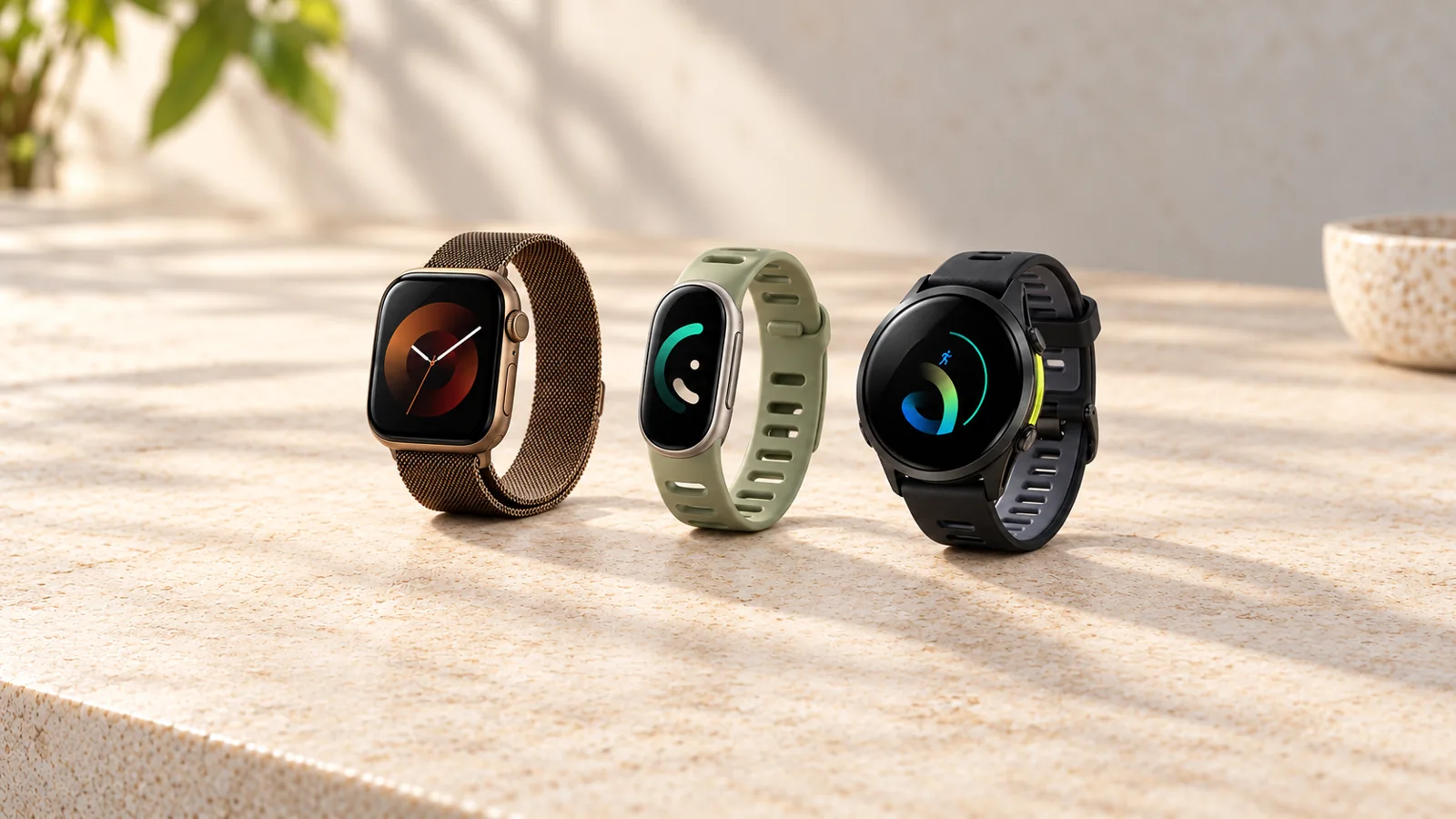
Choose a fitness tracker by the phone you own, the activities you want to record, and the features you will actually use. Fitbit, Apple Watch, and Garmin overlap more than the usual “wellness versus smartwatch versus athlete” labels suggest. The differences that matter are specific to a model—not just the name on the box.
A slim Fitbit may suit someone who wants activity and sleep trends without a large watch. Apple Watch is a strong starting point for an iPhone owner who wants workouts, messages, and apps together. Garmin is worth comparing when workout planning, sport-specific controls, route navigation, or a particular battery mode matters. None is automatically the best or most accurate for everyone.
Official product and support information checked October 19, 2026. This is a documentation-based buying guide, not a hands-on test or laboratory accuracy ranking. Images are AI-generated product reconstructions and illustrations; screens are illustrative, not test results. Check manufacturer pages for exact finishes and specifications.
Key takeaways
- Start with compatibility. Apple Watch does not pair with an Android phone; Fitbit trackers and Garmin watches have their own phone and software requirements.
- Fitbit is not the same as Pixel Watch. Current Fitbit bands can support iPhone and Android, while Pixel Watch is an Android smartwatch.
- Compare exact models. A brand’s entry-level tracker does not inherit every sensor, training feature, or map available on its premium watch.
- Read battery claims by mode: ordinary use, always-on display, GPS recording, music, and power-saving settings are different conditions.
- Include optional memberships, cellular service, accessories, and replacement bands in the cost—not just the device price.
- Sleep, calorie, recovery, and fitness estimates can support habits and conversations; they are not blanket medical clearance or injury-prevention guarantees.
First check the phone you will use
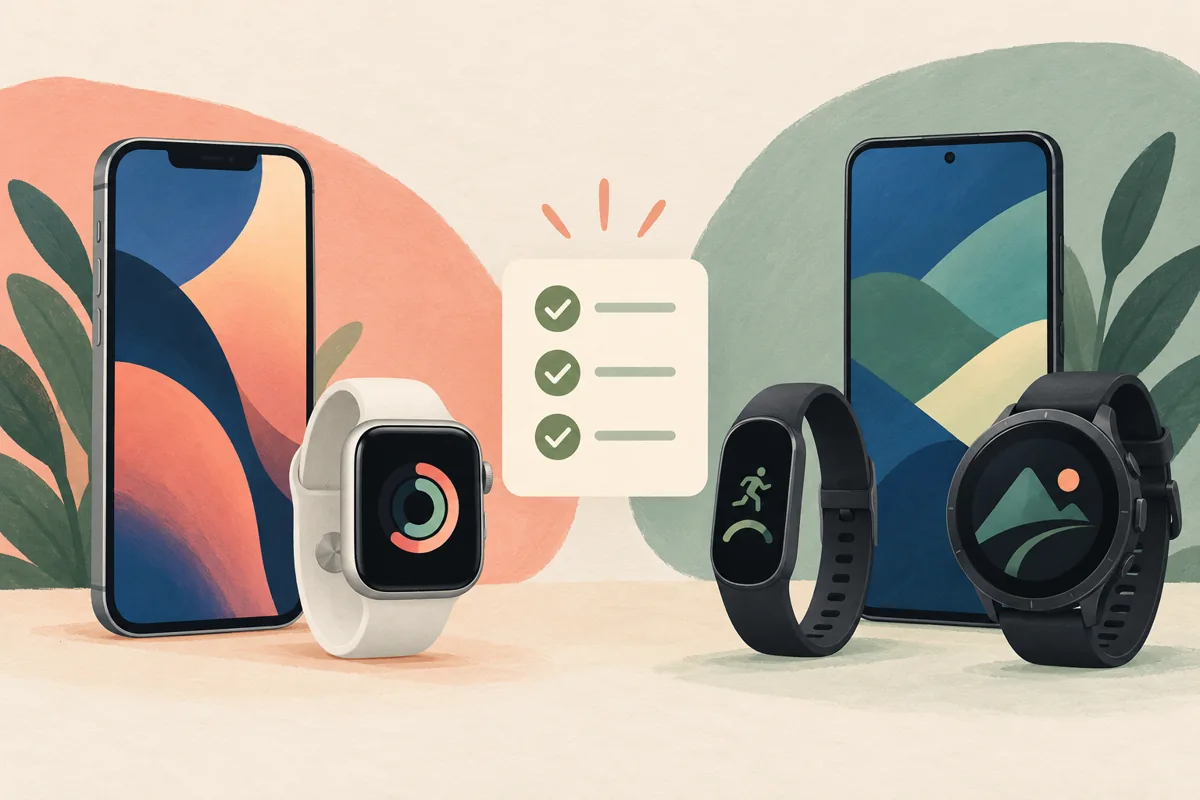
Phone compatibility can eliminate an unsuitable purchase before you compare sensors. For ordinary personal pairing, Apple Watch needs a compatible iPhone. Check the requirements for the exact watch generation and its software; an older iPhone is not automatically suitable for a newly released watch. Apple’s comparison page is the place to start.
Google’s current Fitbit Edge documentation lists support for compatible Android and iOS phones through Google Health, with a Google account required. That does not mean every phone or every old Fitbit has identical support. Check your current operating system before ordering. The Edge product page lists its requirements.
Do not assume a Pixel Watch works with an iPhone because it shares Google’s health ecosystem. Pixel Watch 5 requires a compatible Android phone. Its app and communication features are a different proposition from a Fitbit band. Google explains Pixel Watch compatibility here.
Garmin models such as the Forerunner 970 work with iPhone and Android through Garmin Connect, but individual communication features can differ. For example, its standard text-response options are listed as Android-only. Cross-platform pairing does not mean identical notification behavior.
Fitness band or smartwatch: choose the form first
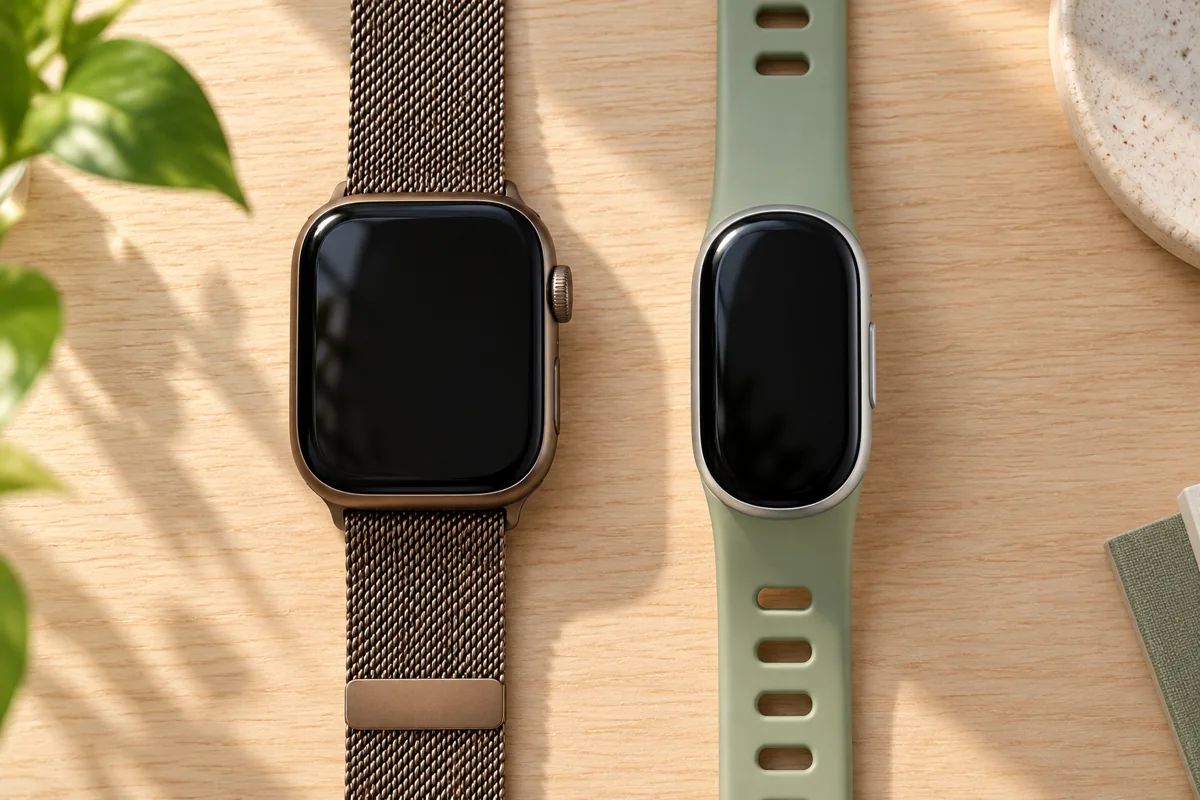
A band usually gives you a narrower object on your wrist. A larger smartwatch can provide more room for a map, workout controls, or a message. Neither shape proves better tracking accuracy, and neither guarantees comfort. Case dimensions, weight, strap material, wrist size, and how you wear it are more useful than a generic category label.
Also decide whether you want a screen at all. A screenless tracker puts more of the experience on the phone; it cannot show your live pace or an incoming message on a display it does not have. A glanceable band is a different compromise: a smaller screen for a few useful checks without a full smartwatch interface.
Try the device on if you can. Bend your wrist as you would during a push-up, check that you can read the display comfortably, and consider overnight wear. If a watch feels cumbersome during ordinary use, its longest feature list is unlikely to solve that problem.
Fitbit, Apple Watch, and Garmin: where to start
Use this table to narrow the search, then compare the particular models below. These are starting points by need, not winners from a common performance test. On a small screen, swipe the table sideways to see every column.
| Starting point | Why consider it? | Main check before buying |
|---|---|---|
| Fitbit | A smaller tracker, with or without a display | Exact hardware, Google Health features, and membership terms |
| Apple Watch | Workouts and everyday smartwatch functions with an iPhone | Phone support, model-specific sensors, and charging routine |
| Garmin | Structured workouts, sport-specific tools, and selected mapping options | Which training, navigation, and battery features the exact model includes |
Fitbit: distinguish the new trackers from older stock
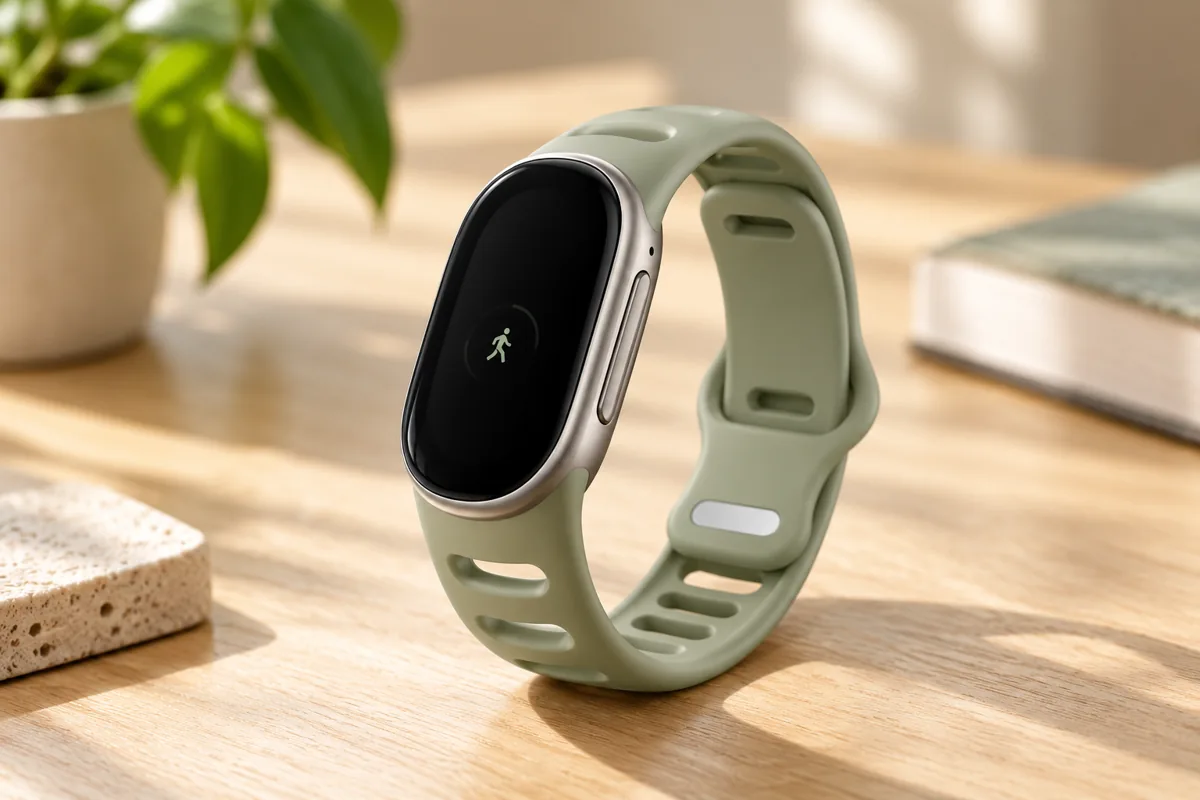
Fitbit’s current range is no longer adequately described by a list of Inspire 3, Charge 6, Versa 4, and Sense 2. Google’s store now presents Fitbit Air, Fitbit Edge, and Pixel Watch alongside older devices. Those products serve different purposes, so compare the actual hardware rather than treating every Fitbit-related product as the same type of watch. See Google’s current watches and trackers.
Fitbit Edge is the display-equipped tracker to examine if you want a smaller device with on-wrist workout information. Google’s announcement lists built-in GPS, an altimeter, a physical side button, and activity and overnight tracking features. As of this guide’s October 19 check, it is on pre-order, with retail availability announced for October 27, 2026—not a device we have tested. Read Google’s announcement and limitations.
Do not turn Google’s claims about improved GPS or advanced sensors into an independent accuracy verdict. Check whether the particular feature you want is included, needs a subscription, or has country and age restrictions. A new generation is not evidence that every measurement is clinically reliable.
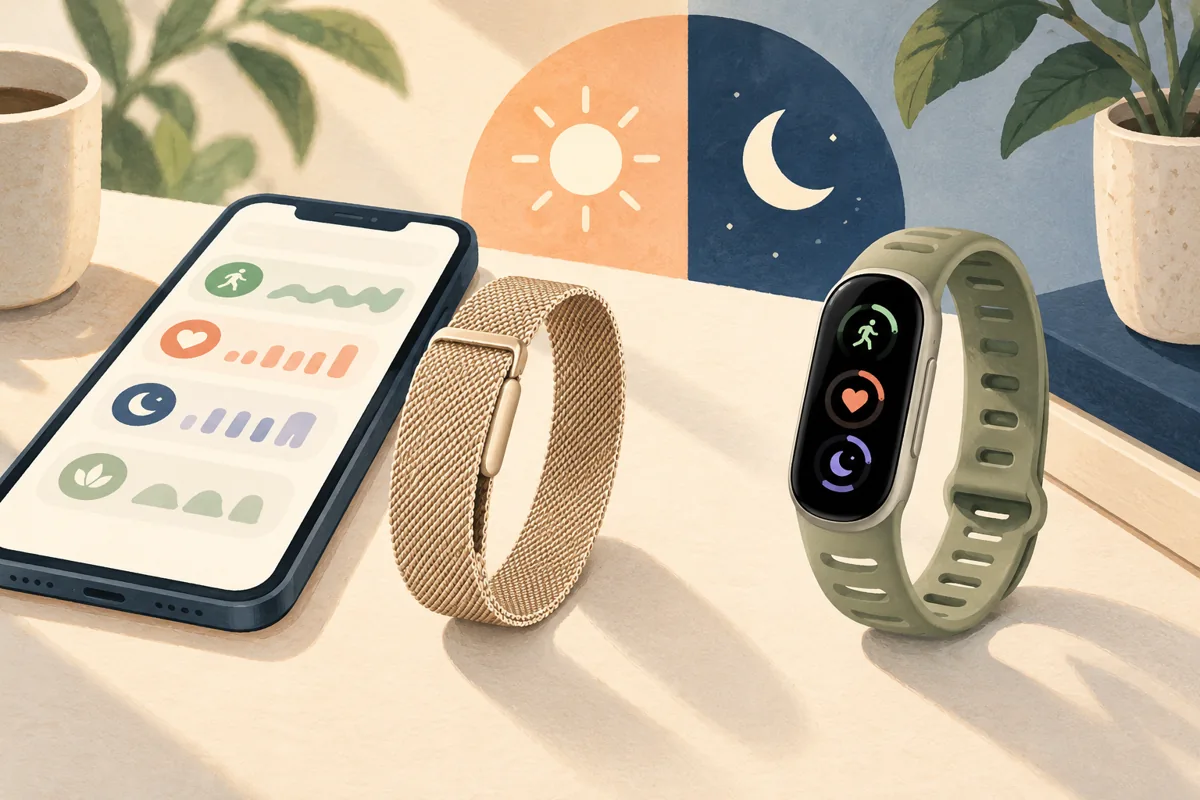
Fitbit Air is a screenless alternative. Consider that form if you want a discreet wearable and are happy to review information on your phone. If you need a visible time, pace, timer, or notification at a glance, start with a display-equipped device instead.
An older Fitbit can still be worth comparing at the right price, but treat it as an exact-model purchase. Check the remaining software support, battery condition if used, included charger, current app compatibility, and which features still operate. A discount does not restore a retired service or add a missing sensor.
Apple Watch: compare SE 3, Series 12, and Ultra 4
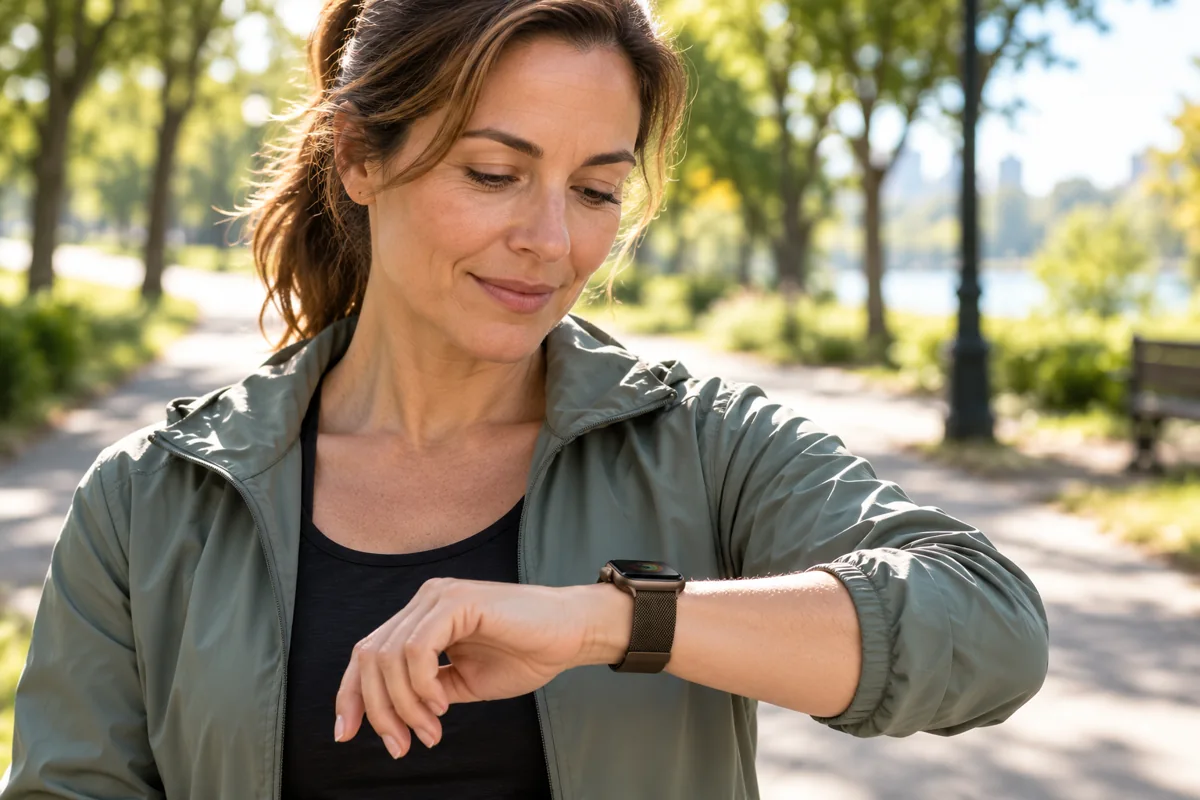
For a compatible iPhone owner, Apple Watch combines activity tracking with a broad smartwatch experience. The sensible question is whether the less expensive model already covers your routine, not whether the most expensive watch has more features.
- Apple Watch SE 3: start here for Apple’s core watch and workout experience. It has an always-on display, sleep features, and training-load tools; do not confuse it with the older SE 2 or assume it includes the ECG app. Check SE 3 specifications.
- Apple Watch Series 12: compare it when the newer health-sensing system, readiness features, or other model-specific additions matter to you. Availability and intended use still need checking. Apple’s Series 12 announcement explains what changed.
- Apple Watch Ultra 4: consider its larger case, Action button, navigation and outdoor features, and different battery ratings if those solve a real need. A larger, more rugged watch is not automatically the most comfortable everyday choice. See Ultra 4 specifications.
Apple Watch is not missing training load simply because Garmin also offers it. Current Apple specifications list Training Load, custom workouts, heart-rate zones, and running metrics. The useful comparison is the workflow, supported sport, and particular feature—not an outdated claim that one brand has all training tools and another has none. See the current Series 12 feature list.
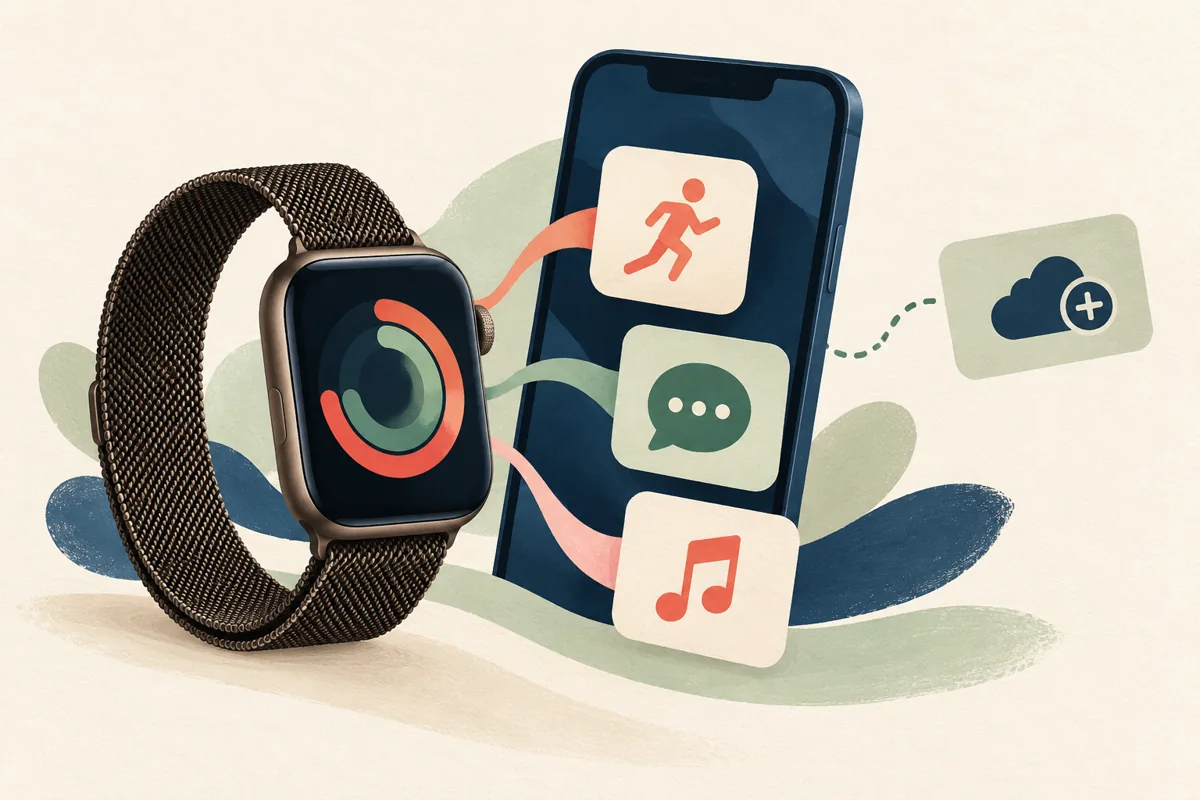
For smart functions, list what you want to do without reaching for your phone: reply to a message, start a timer, control audio, or make a call. Check whether each action needs the nearby phone, Wi-Fi, a cellular model, or an active carrier plan. Paying for cellular hardware does not automatically provide cellular service.
Apple Fitness+ is an optional service, not the purchase price of the watch’s basic activity and workout recording. If guided classes are your main reason to buy, compare the service itself as well as the device; our fitness app guide explains how to judge that workflow.
Garmin: compare the training and navigation features you need
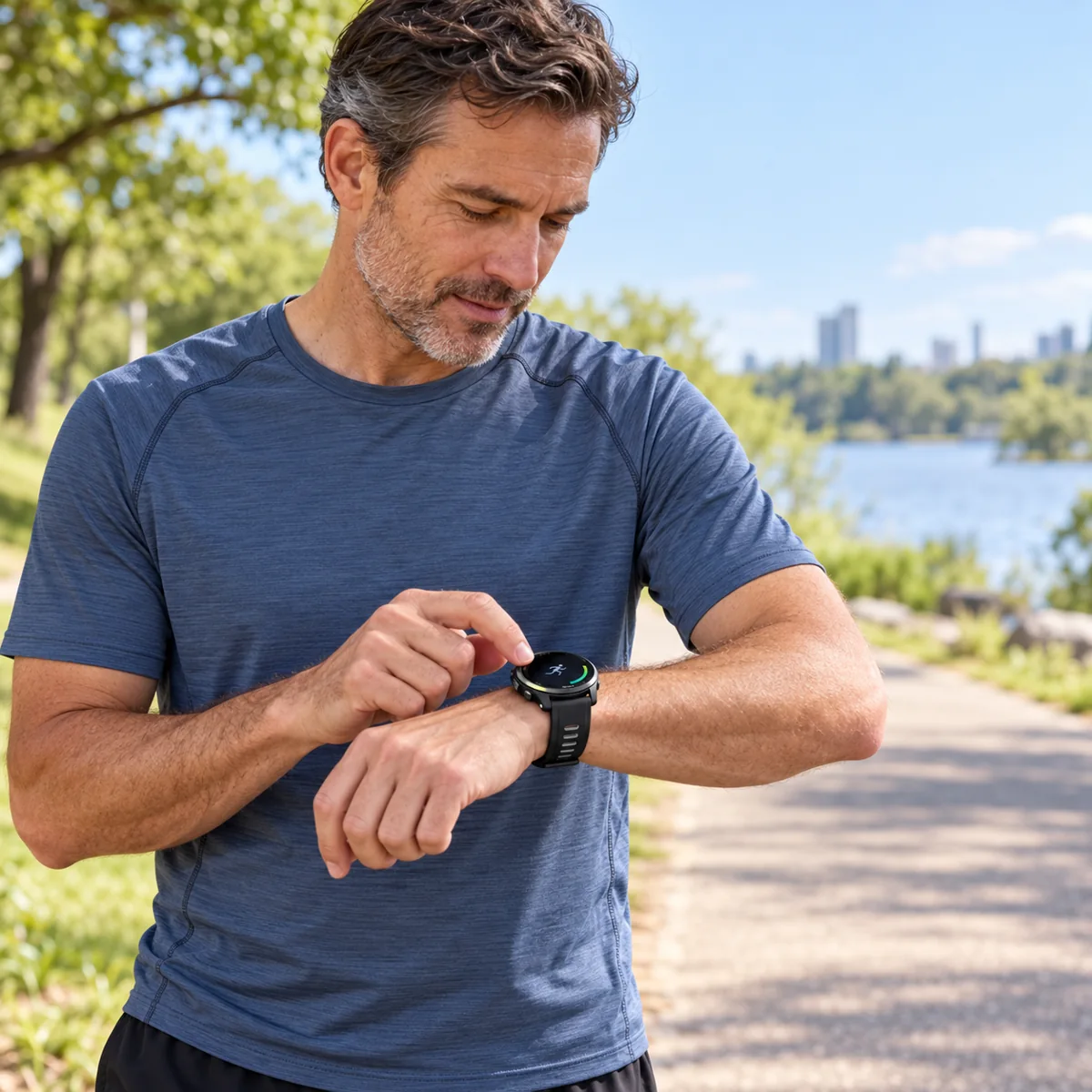
Garmin is worth a close look for structured sessions and sport-specific information, but the range is broad. Do not assume that buying any Forerunner gives you every metric available on a higher-end model—or that every Garmin has built-in maps.
For example, the Forerunner 570 offers a running-and-triathlon-focused package, while the Forerunner 970 adds full-color onboard mapping and other hardware differences. These are examples to compare, not an exhaustive list or a reason to skip lower-priced models.
Read the requirements for advanced metrics. Some functions require a compatible accessory, a suitable recorded activity, or enough history. The 970’s running-economy feature, for instance, requires an HRM 600 monitor sold separately. A watch’s feature name alone does not tell you what is included in the box.
Training Status and Training Readiness are also different summaries, with model-specific support. Garmin’s Training Status documentation lists compatible devices and explains its inputs. Use such information alongside how you feel and your training plan—not as proof that an injury cannot happen.
Compare battery life by model and mode
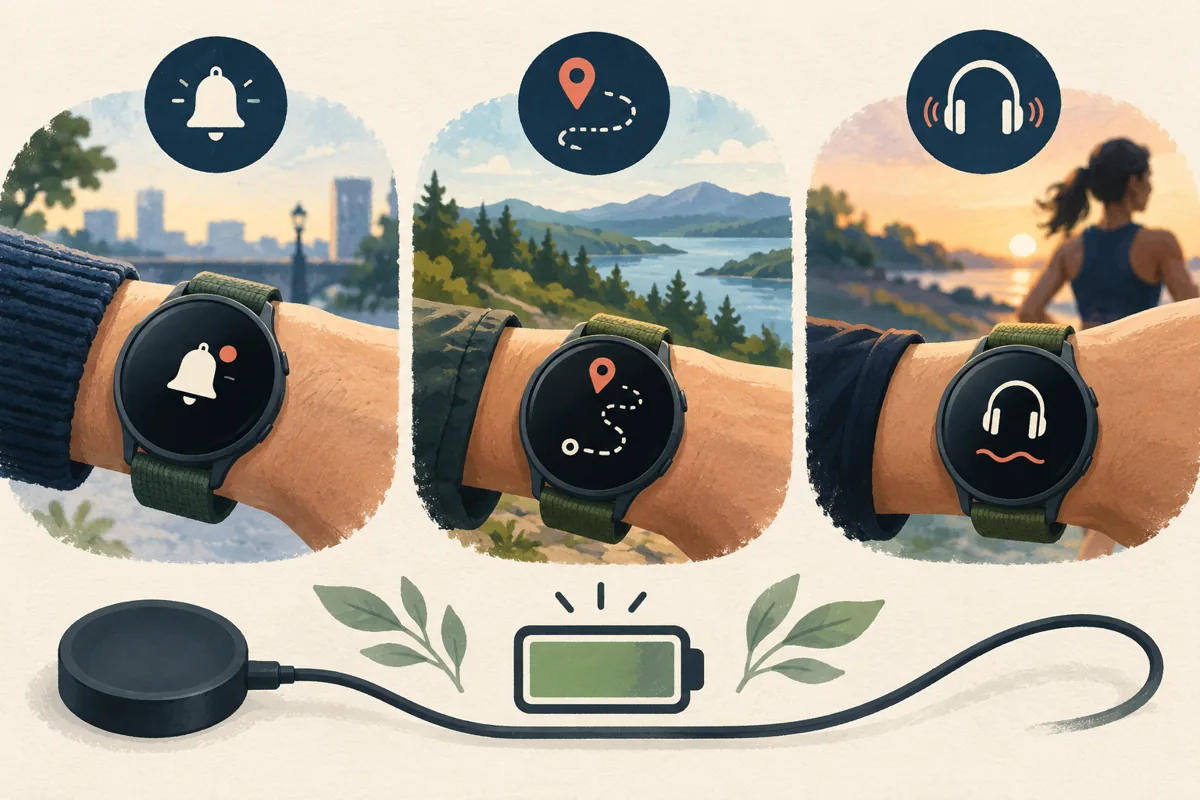
A rating of several days in smartwatch mode does not promise several days of continuous GPS recording. Always-on displays, music, cellular use, sensor settings, temperature, and battery age can also change the result. Compare the mode that resembles your routine.
These are manufacturer maximum claims, not results from a common DailyFact test. The conditions differ, so do not treat the table as a controlled endurance ranking.
| Example device | Published maximum | Condition to notice |
|---|---|---|
| Fitbit Edge | Up to 7 days | Google’s test footnote uses Battery Saver settings; actual use may be lower |
| Apple Watch SE 3 | Up to 18 hours | Normal use; different from Low Power Mode |
| Apple Watch Series 12 | Up to 24 hours | Normal use; workout tracking has a separate rating |
| Apple Watch Ultra 4 | Up to 50 hours | Normal use; extended workout modes have different conditions |
| Garmin Forerunner 970 | Up to 15 days / 26 hours | Smartwatch mode / GPS-only mode, respectively |
Sources: Fitbit Edge footnotes, SE 3, Series 12, Ultra 4, and Forerunner 970.
Build charging into the purchase decision. If you want overnight records, identify a reliable daytime charging window. If you record long outings, check the GPS mode you will use rather than relying on the largest number on the product page. Verify charger compatibility too: one brand name does not mean every generation uses the same connector.
GPS, training tools, and maps are separate choices
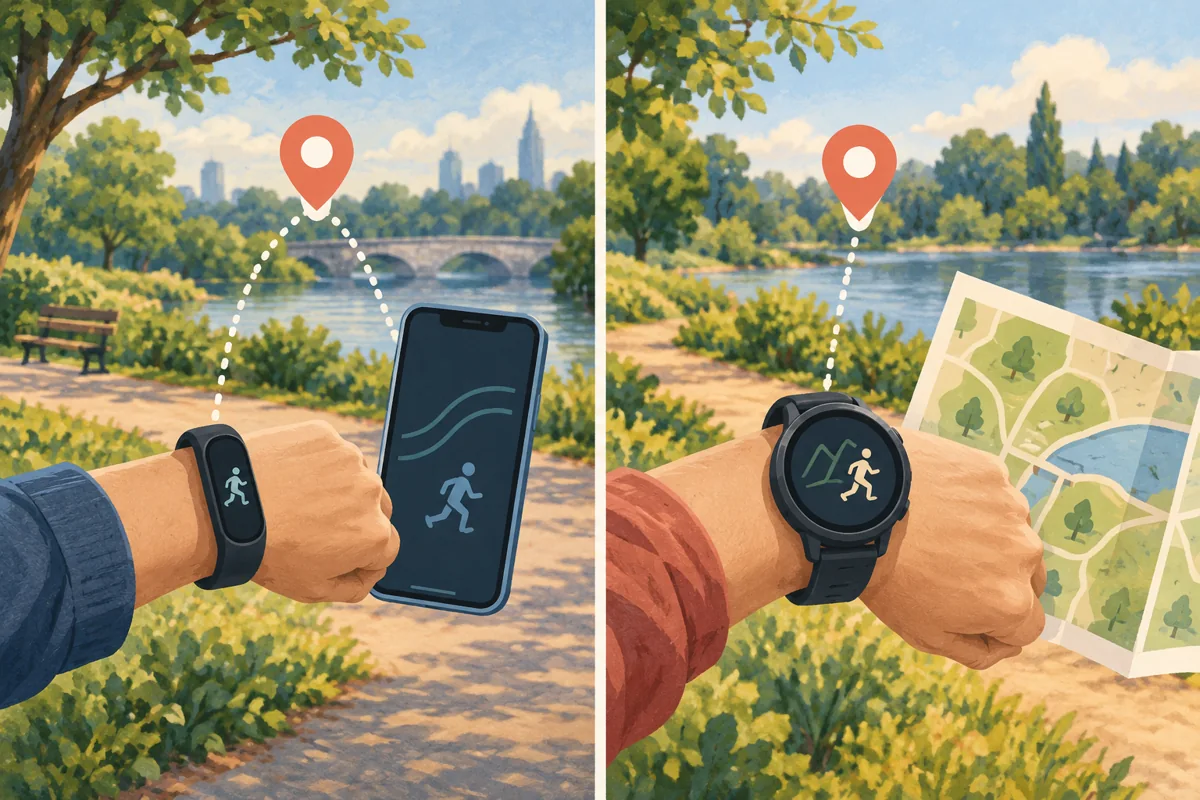
Decide whether you need the device to record a route without carrying your phone. Some trackers depend on a phone for location; others have built-in GPS. Then check a second question: can it display and navigate the kind of map or course you need?
Recording a GPS track is not the same as showing full-color onboard maps. A breadcrumb line, directions from a connected phone, a downloaded route, and offline cartography are different features. Confirm the exact mode and region rather than reading “GPS” as a promise of every navigation function.
For structured training, write down a real session you want to run: warm-up, repeated intervals, recovery, and cool-down, for example. Check whether you can create it, send it to the watch, and follow its alerts with the controls you prefer. A useful session workflow matters more than collecting a dozen recovery scores you never consult.
Ask the same practical questions about music, payments, and safety tools. Does music need a separate subscription? Is your bank supported? Does an assistance feature require a paired phone and a connection? These are feature-specific requirements, not capabilities to assume across an entire brand.
Treat sleep and health information as context
Comfort and recording consistency come before sleep scores
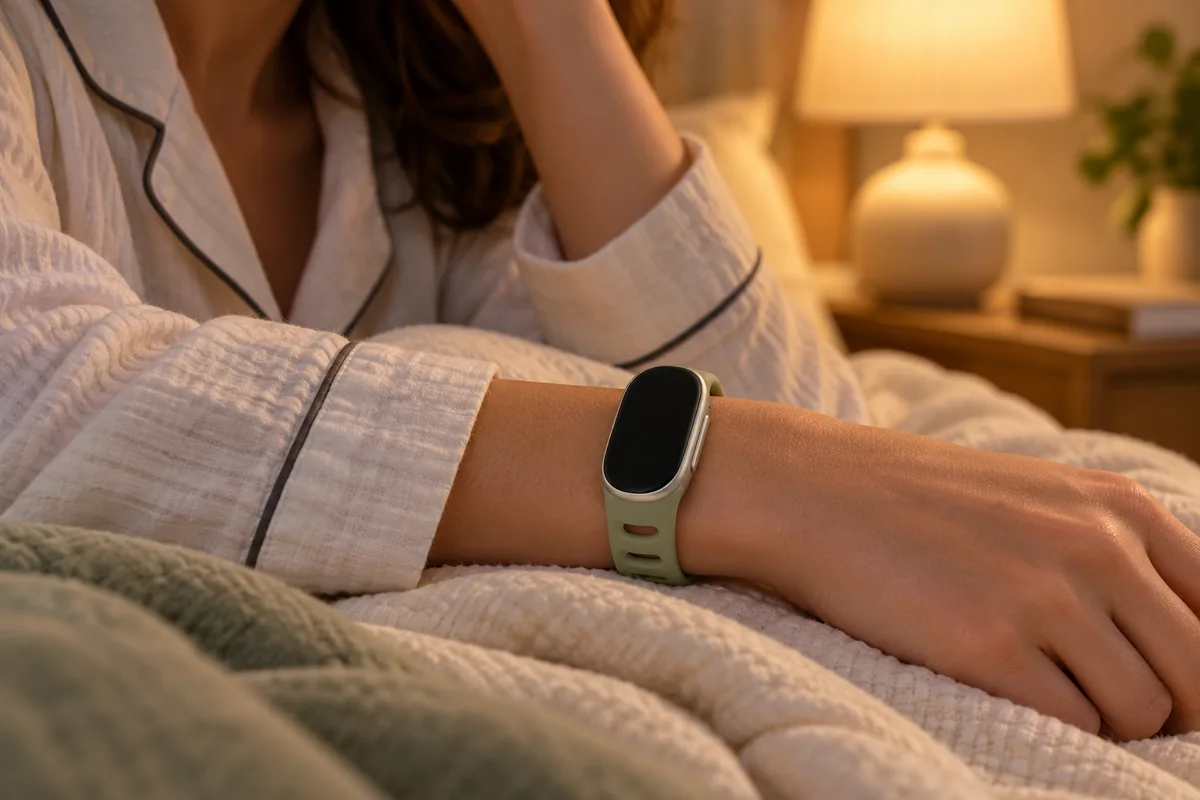
If sleep trends are important, compare how each device feels in bed and when you can charge it. A comfortable band with a clear morning report may be more useful to you than a larger watch that you regularly leave on the bedside table.
Consumer sleep stages are estimates, not direct recordings of brain activity. Google describes estimating stages from wrist movement and heart-rate patterns; that is different from the sensors used in a clinical sleep laboratory. Its sleep-stage explanation also emphasizes variation over time.
Use trends alongside your recollection and daytime symptoms. Do not declare one device the universal sleep-accuracy winner without a relevant independent comparison. Our sleep tracking guide explains how to use a diary and interpret reports without chasing a perfect score.
Sensors, estimates, and medical features are not interchangeable
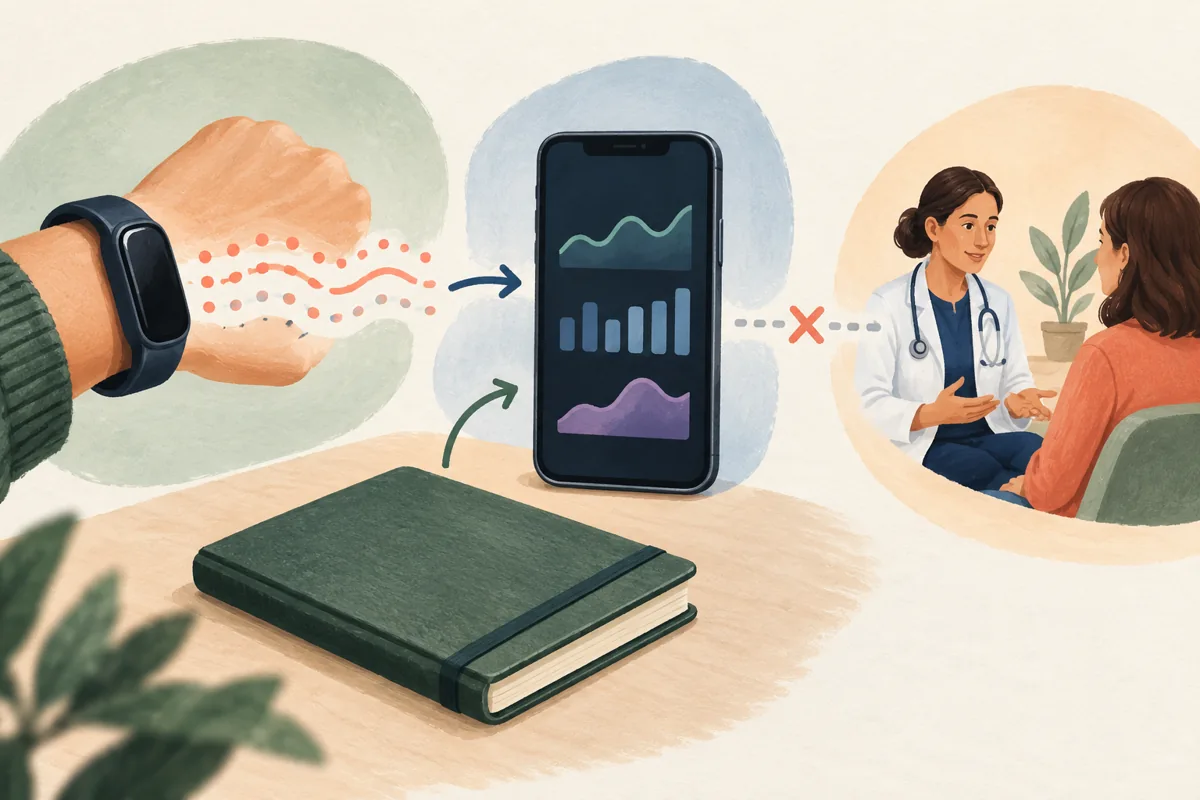
There is no single “95% accurate” rating that covers steps, heart rate, energy expenditure, GPS, and sleep for every device and activity. Fit, movement, recording conditions, and the measurement being assessed matter. A detailed dashboard is not itself evidence of accuracy.
Apple advises that personal information, wrist fit, calibration, and the type of workout affect its activity measurements. Check setup before treating a surprising number as a genuine change. Apple’s measurement guidance explains the relevant checks.
Keep a separate distinction for condition-specific health features. An ECG app has a defined intended use, supported hardware, and age and country restrictions. That does not make every score on the watch “medical-grade.” Apple notes that even a sinus-rhythm ECG result applies to that particular recording and does not mean the user is healthy. Read its ECG guidance and limitations.
Likewise, readiness and recovery summaries do not guarantee that a hard workout is safe or prevent an injury. Apple describes Vitals measurements as not intended for medical use. Bring persistent symptoms or health concerns to a professional rather than using a reassuring chart to dismiss them. Apple’s Vitals guidance explains the distinction.
Compare the full cost—and the data settings
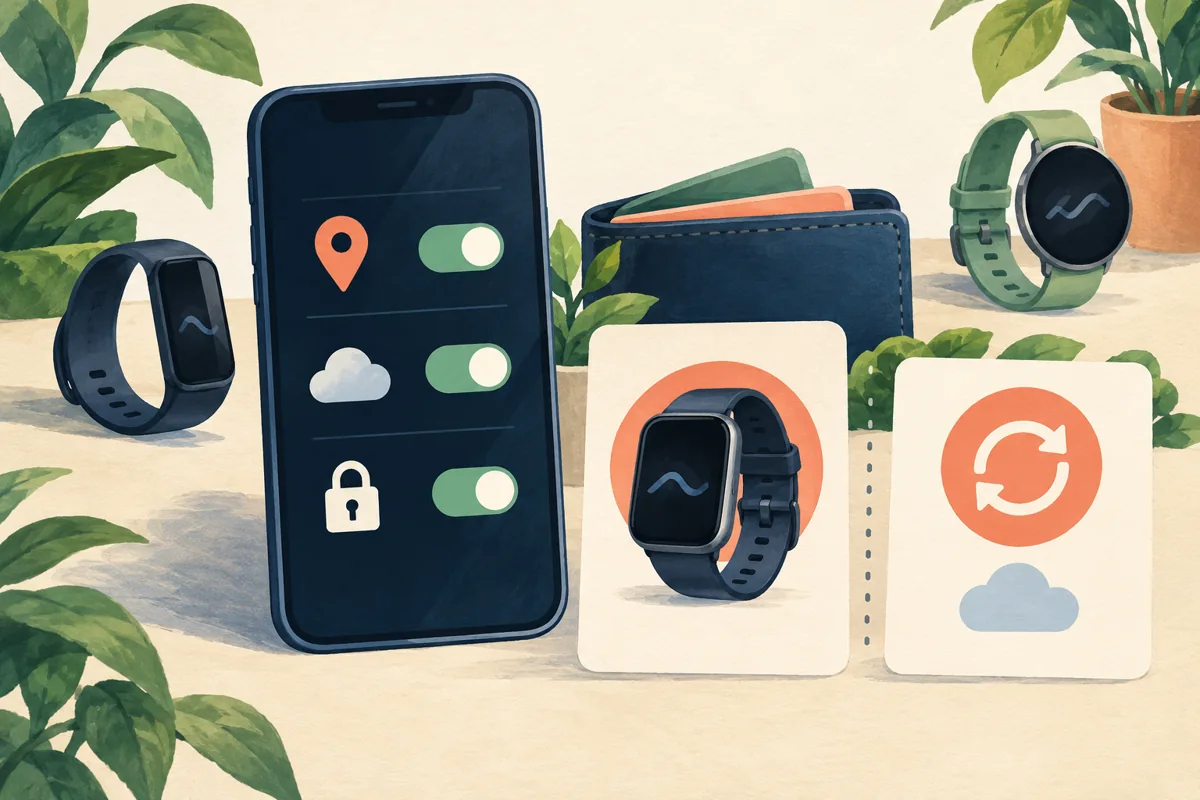
Separate the device purchase from optional services. A trial bundled with new hardware is not the same as permanent access. Check which information remains available when the trial ends and whether the paid feature is something you will use.
- Google Health: the Fitbit app has transitioned to Google Health. Its current comparison distinguishes included activity, sleep, and health information from Google Health Premium coaching features. Do not assume all health metrics sit behind an old Fitbit Premium paywall. Check the current feature comparison.
- Apple Watch: distinguish built-in recording from optional Fitness+, third-party app subscriptions, and a cellular plan. Each is a separate purchase decision.
- Garmin: do not assume every service is free simply because core Garmin Connect functions are available without Connect+. Garmin offers optional Connect+ features; inspect its current comparison and any separate maps, music, or connectivity services. See Garmin’s free-versus-Connect+ comparison.
Privacy deserves the same attention as price. Review account security, connected-app permissions, location and route sharing, and how to export or delete your information. Keep an activity private if you do not want to share it; also check whether another connected service has its own visibility setting.
For a used or refurbished watch, confirm battery condition, return terms, account locks, and that the seller can remove the device from their account. Check the exact model and accessories, not just the stock image. A low purchase price can be poor value if a necessary replacement or service makes it expensive to use.
A practical checklist before you buy
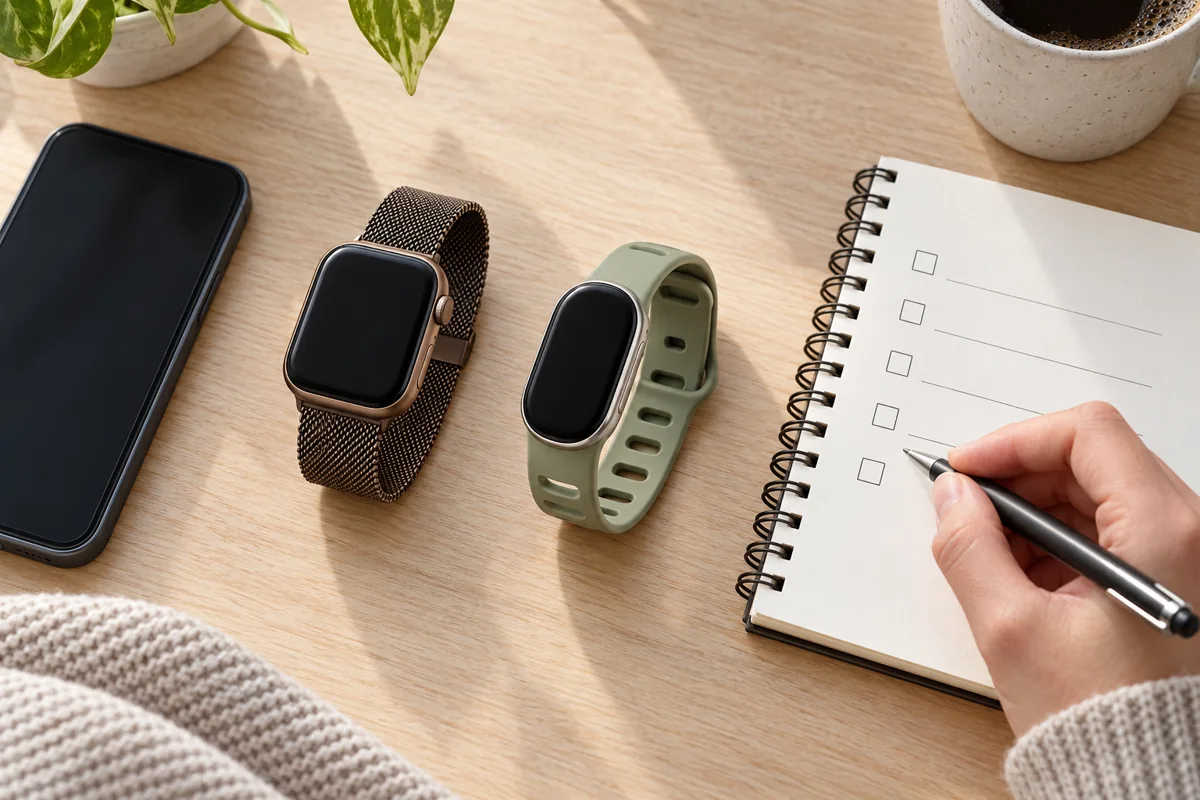
- Write down your three real priorities. Examples: readable workout controls, comfortable overnight wear, or route recording without a phone.
- Check your exact phone. Confirm its operating system, the companion app, account requirements, and any limits on the features you need.
- Compare two or three exact models. Check case size, strap fit, required accessories, and the desired sport or navigation functions.
- Read the relevant battery mode. Match it to an ordinary week and your longest planned activity, allowing for real-world variation.
- Price the whole arrangement. Include optional memberships or cellular service you intend to use, not every extra in the brochure.
- Check returns and support. Verify the retailer’s current policy, warranty, and the manufacturer’s support for the model—especially for older stock.
A useful shortlist might be Fitbit for a smaller tracker, Apple Watch for a compatible iPhone and combined smartwatch tasks, or a particular Garmin for the workout and navigation workflow you prefer. Then test that assumption against the actual device. You do not need every advanced metric to record a walk, and you should not pay for a feature merely because it sounds more scientific.
Common buying questions
Which brand is most accurate?
There is no defensible single winner across all models and measurements. A useful accuracy comparison names the device, software, activity, outcome, and reference method. Without that evidence, choose based on the functions you need and avoid reading manufacturer superlatives as an independent test.
Can I pair an Apple Watch with Android?
Not as an ordinary companion watch. Apple Watch requires a compatible iPhone for its personal setup and ecosystem. Managed family setups have separate requirements and limitations; they are not the same as pairing it with your Android phone. Compare an Android-compatible device instead.
Can I use Garmin with an iPhone?
Compatible Garmin watches can pair with an iPhone through Garmin Connect. Check the exact model’s phone requirements and communication features. Some standard message-reply functions differ from Android, so do not assume every advertised interaction works identically.
Is a Fitbit the same as a Pixel Watch?
No. Google’s range includes different hardware categories: screenless Fitbit Air, display-equipped Fitbit trackers, and Pixel Watch smartwatches. They may share health services, but their screens, controls, phone compatibility, and smart features are not interchangeable.
Do I need a subscription?
Not for every basic recording function. Separate the hardware’s included features from optional coaching, classes, apps, music, maps, and cellular service. Check the exact current offer and what remains if you cancel a trial; never assume either that everything is paywalled or that every future service is included.
The right purchase is the device that fits your phone and routine while providing the information you can use. Start with that practical match, then let the specifications refine the choice.