
The best fitness app is the one that helps with your actual next step: following a workout, recording a gym session, tracking a run, or keeping a food diary. Those are different jobs. A large food database does not make an app a better strength-training coach, and a polished workout video does not make it a useful running log.
This guide compares six options by purpose, explains what to check before paying, and gives you a simple way to try one without building an unnecessarily complicated tracking routine.
How we compared: This is a documentation-based comparison using official product and support pages checked on October 18, 2026—not a hands-on testing ranking. Features, availability, and subscription offers can vary by device, account, and country. The images are AI-created visual explanations; any screens shown are conceptual, not screenshots of the apps.
Key takeaways
- Choose a workout guide, strength log, outdoor activity tracker, or food diary according to the job you need done.
- Nike Training Club and FitOn are options for guided workouts; JEFIT focuses on planning and logging strength training.
- Strava suits outdoor activity recording and sharing. MyFitnessPal and Lose It! are food-tracking options, not substitutes for a workout program.
- Check the exact free-tier limits, device connections, privacy settings, and renewal terms before subscribing.
Start with your goal, not the longest feature list
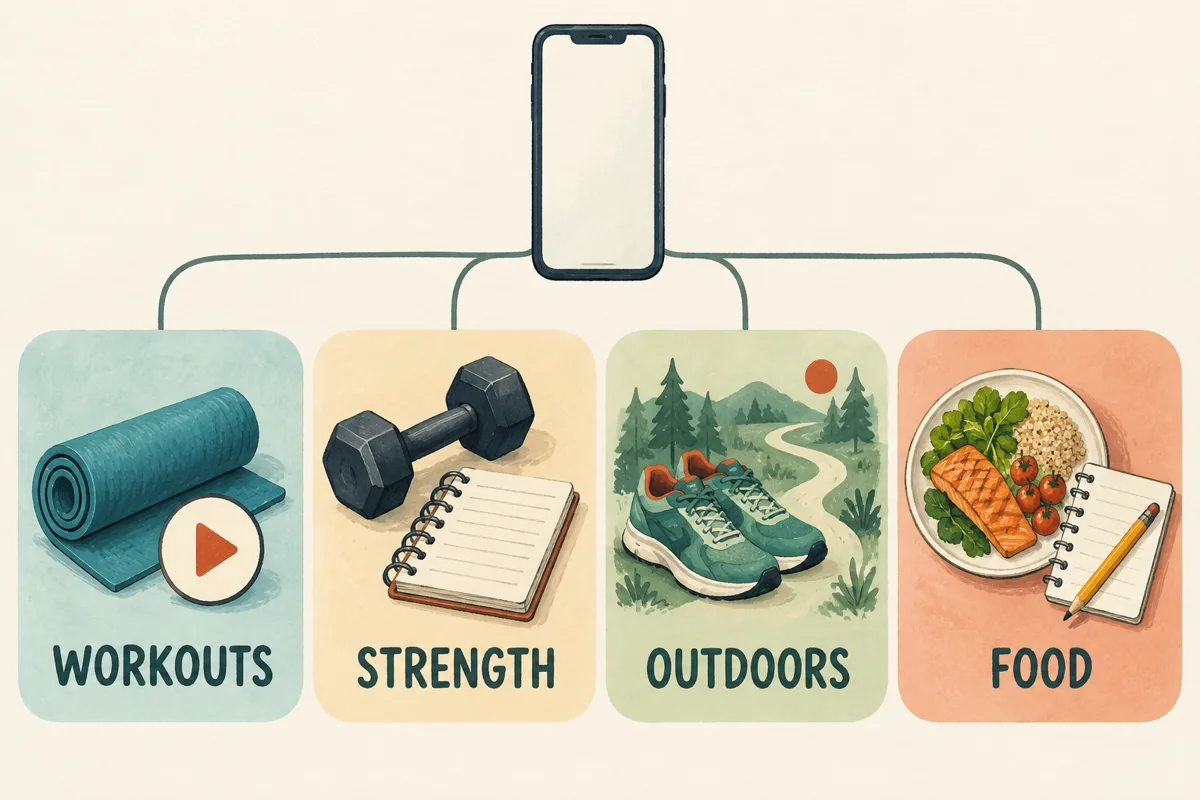
Write one sentence before installing anything: “I want help with ______.” A useful answer describes a task, such as choosing a short home workout or remembering the weights used in your last gym session. “Track everything about my health” is harder to act on and easier to turn into needless administration.
| Your main task | Options to explore | Check first |
|---|---|---|
| Follow a workout at home | Nike Training Club, FitOn | Suitable level, equipment, session length |
| Plan and log gym sessions | JEFIT | Routine building, entry flow, paid extras |
| Record runs, rides, or walks | Strava | Recording method, map privacy, device sync |
| Keep a food diary | MyFitnessPal, Lose It! | Foods you eat, entry tools, free-tier limits |
These are starting points rather than universal winners. A person who enjoys instructor-led classes may want a different interface from someone who already has a lifting program. Food tracking is optional; you do not need a calorie-counting app simply because you want to exercise.
Six fitness and tracking apps to compare
1. Nike Training Club: guided workouts without a subscription-first approach
Good fit: You want instructions for a session, particularly at home, rather than just a place to record completed exercise.
Nike Training Club provides free workout guidance, including strength, yoga, and other session types. Nike also describes scheduling and casting features. Look at the available sessions on your own device rather than assuming that every program or presentation is identical in every market.
What to check: Can you find a suitable workout quickly? Is the equipment requirement clear? Can you see and hear the instructions comfortably? A no-equipment session is a different proposition from one that assumes access to a gym.
Main limitation: A video cannot watch your technique or adapt to you in the way an attentive trainer can. If you already follow a detailed gym program and mainly want to record sets, a dedicated log may be more useful.
2. FitOn: workout variety, with a distinct paid layer
Good fit: You prefer choosing from classes and want to explore different workout styles.
FitOn describes its workouts as free, but that does not mean the service has no subscription. Its official PRO feature list includes additional structured fitness and nutrition programs, offline downloads, meal-planning content, and other extras.
What to check: Try the actual class you want before deciding whether to upgrade. If you need offline access, a particular casting setup, or a connected heart-rate device, check that feature’s current requirements. The PRO page lists casting and heart-rate integrations; do not assume those are part of the free experience.
Main limitation: More classes can mean more browsing. Save a small number of suitable sessions so choosing a workout does not become the workout.
3. JEFIT: a dedicated strength-training log
Good fit: You want to record exercises, sets, repetitions, and weights, then review what you did previously.
JEFIT’s FAQ documents custom and pre-built routines, exercise notes, editable workout logs, and rest-time tracking. These are practical features if your main question is “What did I lift last time?” rather than “Which class should I play?”
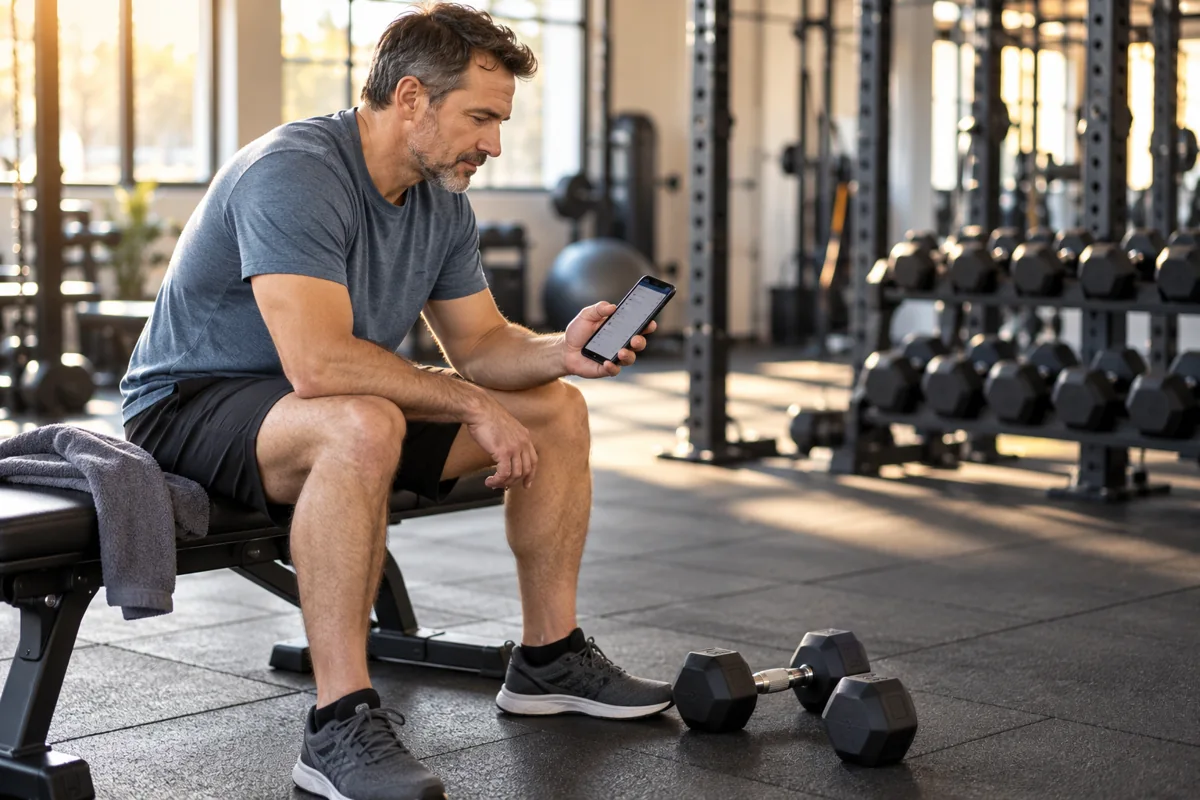
Its Basic and Elite comparison separates free routines and logging from paid features such as advanced analytics, additional plans, and watch support. Check the current offering for your particular watch before treating watch-based logging as included.
What to check: Enter a sample session, correct one mistaken entry, and find the previous session. If those actions feel cumbersome, a sophisticated dashboard may not compensate.
Main limitation: An exercise database and a log do not establish that a routine is appropriate for your experience, equipment, or circumstances. Logging is a tool, not proof of good program design.
4. Strava: outdoor recording and an optional social layer
Good fit: Your main activity is running, cycling, or walking, and you want to record outings or share them with a community.
Strava’s free-service explanation confirms that recording and sharing activities do not require a subscription. Paid features add to that foundation; you do not need to buy them merely to find out whether recording your outings is useful.
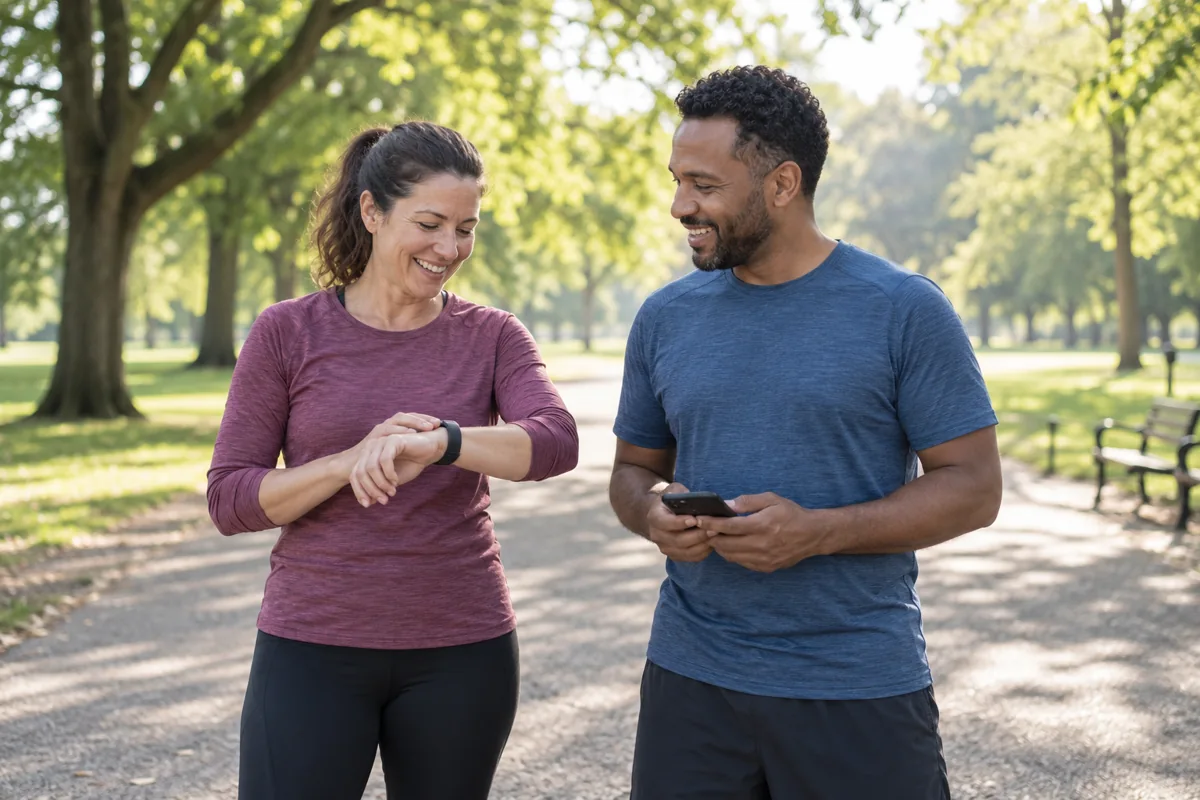
What to check: Record a short ordinary outing using the phone or device you actually intend to carry. Check that it arrives correctly, then review its visibility. A technically successful upload is not a reason to make a home-to-home route public.
Main limitation: Social comparison is optional, not a requirement for progress. If a feed or leaderboard distracts you, focus on your own activity history and adjust sharing settings before inviting others to follow you.
5. MyFitnessPal: food logging, not an all-purpose workout coach
Good fit: You specifically want a food diary and prefer to compare entries, recipes, and nutrition summaries.
MyFitnessPal’s current plan comparison says the free version includes food and exercise logging, recipes, measurements, and connections to partner apps. Premium adds tools such as barcode scanning and Meal Scan; Premium+ adds meal-planning and grocery features.
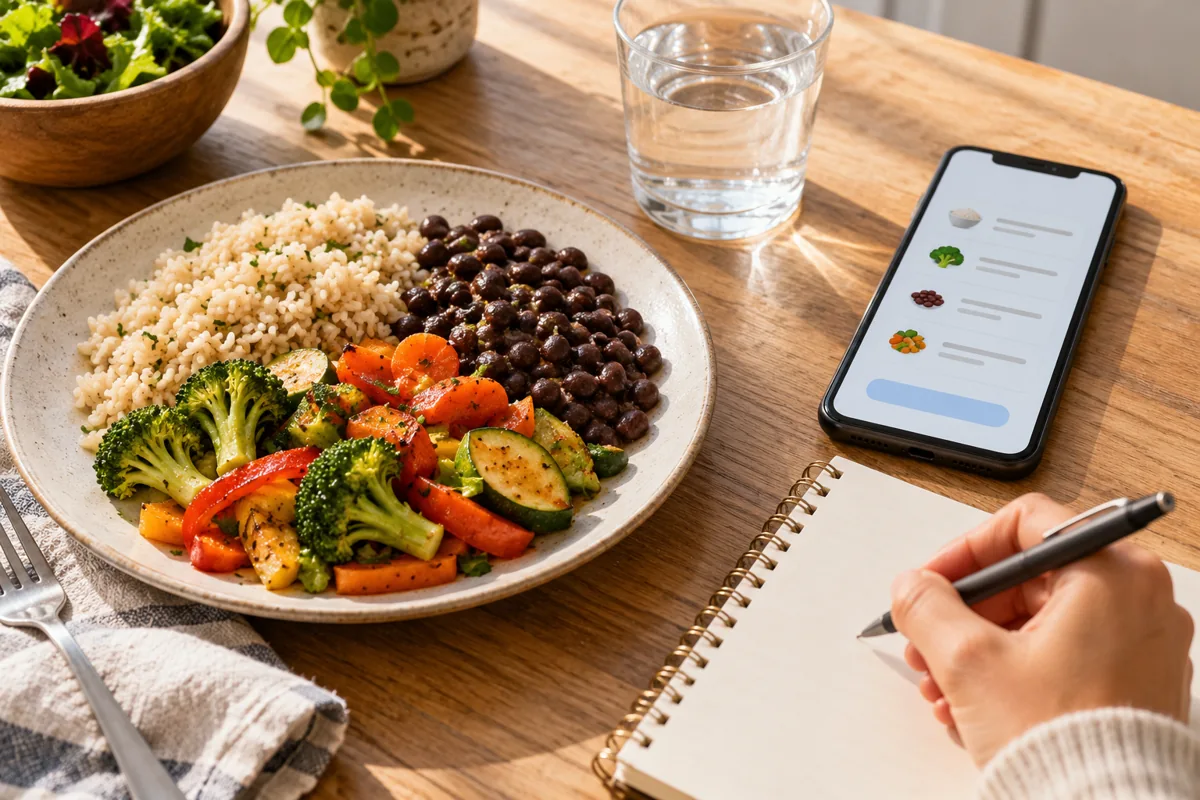
What to check: Search for a food you eat regularly, enter the portion you actually use, and save a repeat meal. If scanning packages is the reason you want the app, note that MyFitnessPal lists the barcode scanner as a Premium feature.
Main limitation: The size of a food database does not guarantee that an individual entry or serving matches your meal. Check quantities and packaging instead of accepting an attractive-looking total automatically.
6. Lose It!: another option for a focused food diary
Good fit: You want to compare a food-and-weight tracking workflow with MyFitnessPal rather than add another workout-video service.
The official membership guide distinguishes Basic tracking from Premium features such as additional goals, syncing, future meal logging, and scanning tools. Compare the entry process with foods you actually buy rather than choosing on the basis of database-size claims.
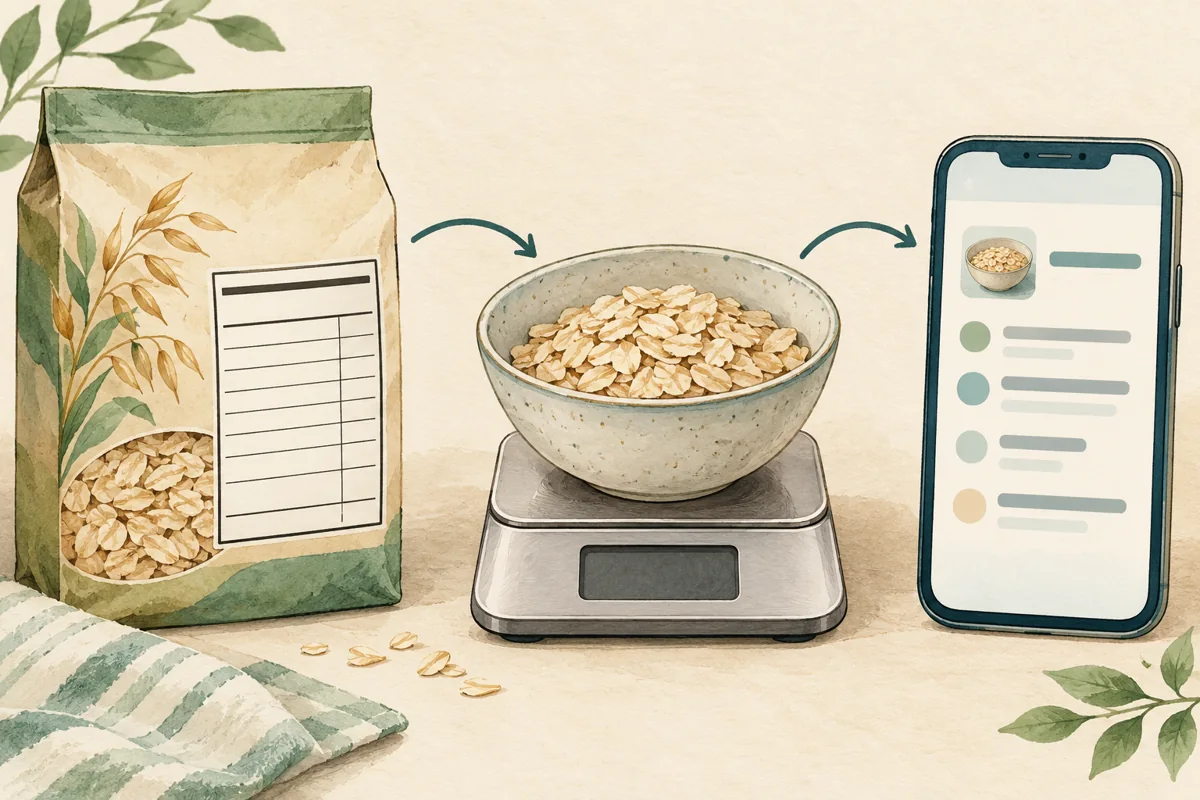
What to check: Pay particular attention to scanning access. Lose It!’s scanner guidance describes a transition to Premium, during which some free accounts retain access and others do not. Someone else’s older free account is not reliable evidence of what a new account will include.
Main limitation: Photo or barcode entry can save typing, but you still need to check the food, amount, and serving unit. If maintaining a food diary feels burdensome or stressful, a workout-only tool may serve your original goal better.
Check phone, watch, and data compatibility before paying
“Works with fitness trackers” is too vague to be a buying criterion. Check your exact phone, watch, operating system, and the type of data you want to move. Step counts, completed workouts, heart rate, and food entries are different data types; support for one does not imply support for all of them.
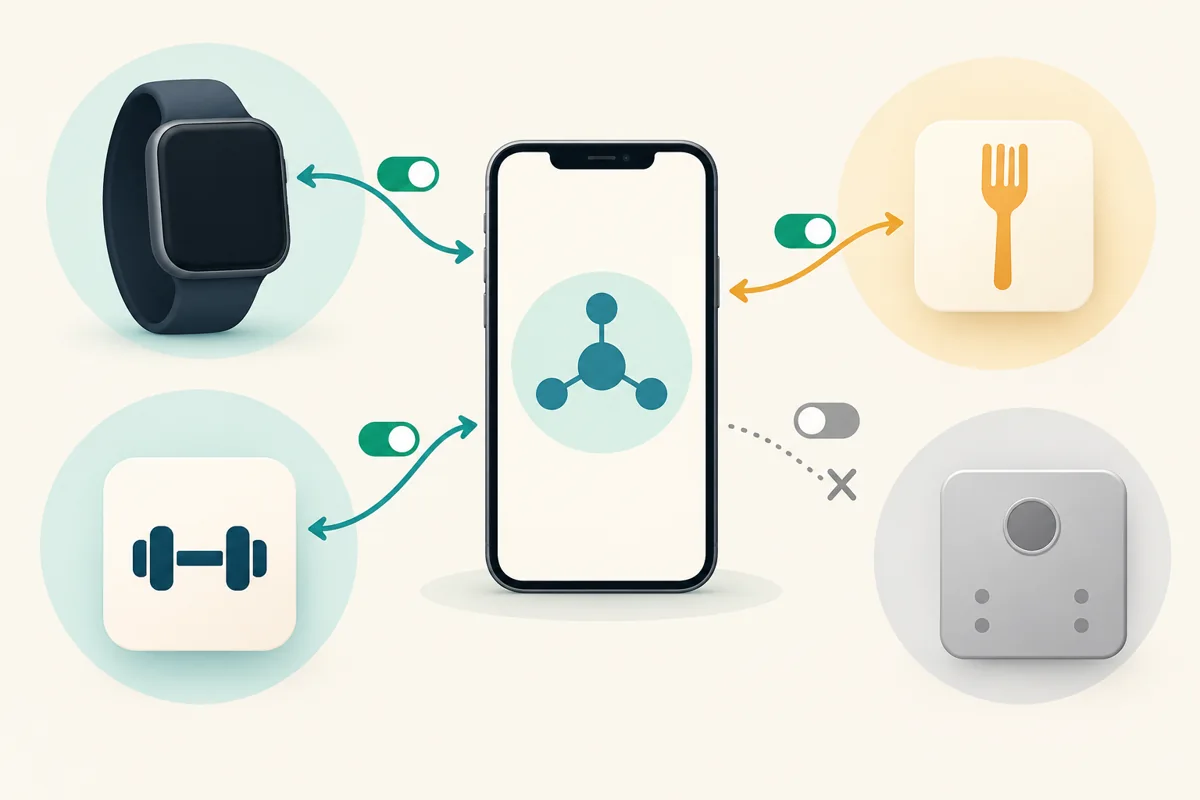
- On Apple devices: The Health app can bring together information from compatible apps and accessories. Apple explains how to review data sources and their priority. Health is a data hub, not itself a complete substitute for an exercise program.
- On Android: Health Connect can store and share supported information between compatible apps with your permission. Google explicitly notes that not every connected app supports every data type.
- For a watch: Check whether you can record a session on the watch, merely view information there, or only import a session afterward. These are not interchangeable features.
Try one ordinary activity and follow where it appears. If your phone, watch, and two apps all contribute information, inspect the source settings before trusting a surprising total. Connect only what you need instead of granting every connection during setup.
If you are also choosing hardware, our fitness-tracker guide for beginners explains the separate device decision. An app subscription does not make an incompatible watch compatible.
Set privacy controls before your first shared activity
A private-looking phone screen does not tell you who can see the information online. Review your profile, activity visibility, route maps, connected services, and optional permissions separately.
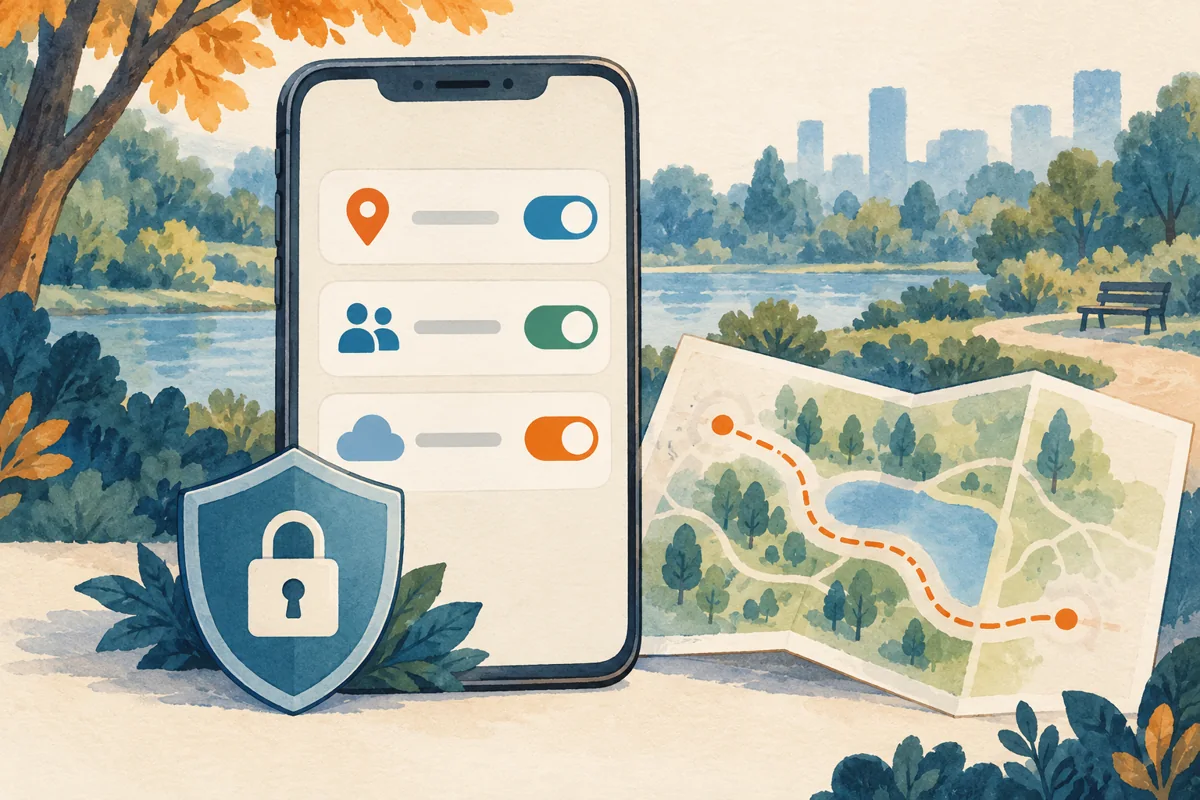
For example, Strava distinguishes map, activity, and profile visibility. Hiding a route’s start and finish is not the same decision as making the activity private. Set the audience you actually intend rather than accepting a social default without looking.
In a health-data hub, review which apps can read or write each data type. Google’s Health Connect controls allow individual app and data-type permissions. Revoking a connection is not the same as deleting information that an app has already copied.
- Grant location, camera, and health-data access only when a feature you use needs it.
- Check export and account-deletion options before building a long history.
- Review connected services again when you stop using an app.
A health or fitness label is not a reason to assume that every app has the same privacy practices. Read the policy for the service holding your information, especially before connecting additional accounts.
Free or paid: buy a feature, not a promise
Start with the free features when they let you perform your main task. Consider paying only after you identify a specific limitation: perhaps offline classes, a particular watch workflow, faster food entry, or analysis you will actually use.
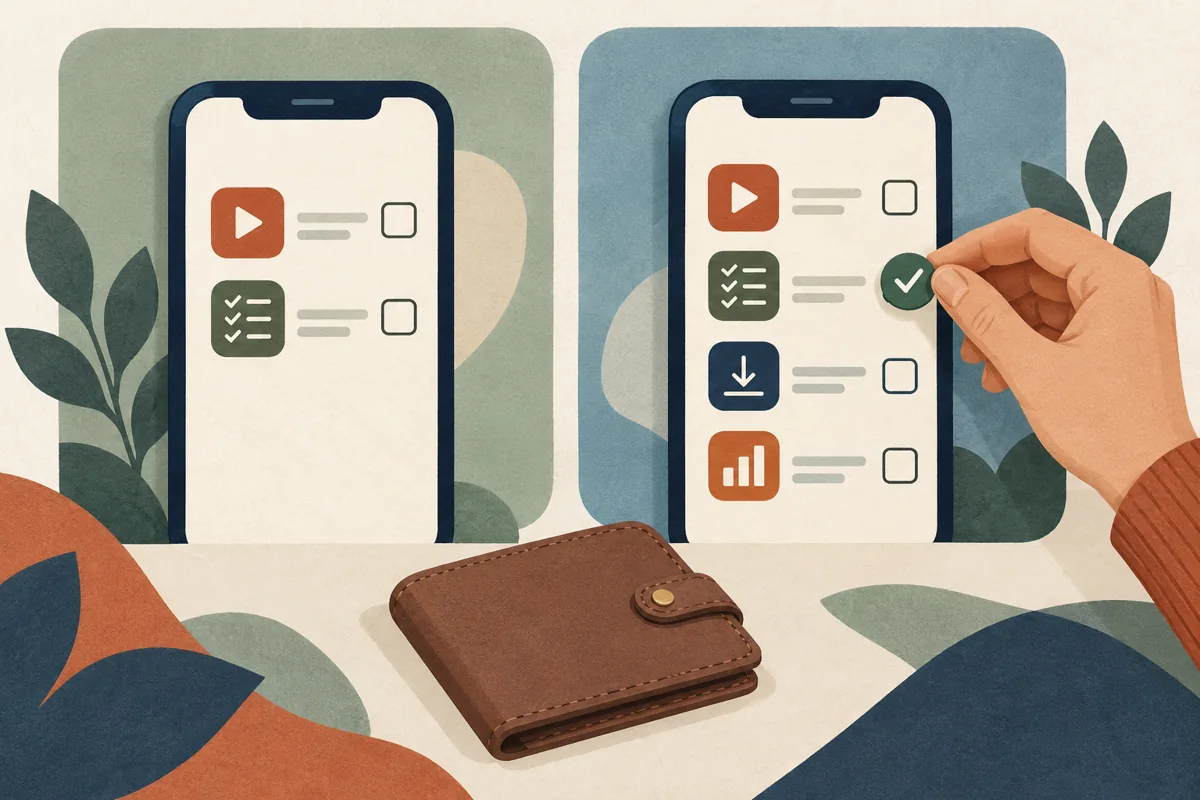
Before subscribing, check:
- The feature: Is it included in this plan on your device and account?
- The full charge: Is the displayed amount monthly billing, an annual total, or a monthly equivalent paid upfront?
- The renewal: When does an introductory offer end, and what happens afterward?
- The exit: Who bills you, how do you stop renewal, and what happens to your logs?
Use the current official plan pages linked in the comparisons rather than assuming an old price applies. Offers and tiers change; MyFitnessPal, for example, explicitly says pricing varies by country and plan length.
Deleting an app is not a reliable cancellation method. Google Play states that uninstalling does not cancel a subscription, and Apple explains how to cancel subscriptions it bills. For a website purchase, use that provider’s billing instructions.
A simple one-week app trial
This is a way to evaluate a tool, not a requirement to exercise every day or a promise of results within a week. Use a free tier where available; it does not require starting a paid trial.
- Choose one job. Pick a single primary app and decide what a useful outcome looks like, such as finding a suitable class or retrieving your last session.
- Set it up deliberately. Review permissions, visibility, equipment, and notifications. Leave nonessential connections off.
- Try an ordinary use. Record a normal outing, enter a familiar meal, or preview a session that fits your existing routine.
- Test an awkward moment. Correct a mistaken entry, find a previous log, or check whether your planned location needs offline access.
- Review the friction. Was the task easier? Did reminders help? Did using the app create unnecessary checking or browsing?
- Keep, simplify, or switch. Keep the smallest setup that works. Pay only if a clearly useful feature justifies the charge.
A basic note or paper log is a reasonable alternative if it solves the same problem with less effort. The goal is a routine you can use, not a collection of apps you feel obliged to maintain.
What a fitness app cannot tell you
Workout logs and food diaries depend on the information entered. A detailed chart can still be based on an incorrect serving, a missed session, or a device estimate. Avoid treating extra decimal places as proof of accuracy.
For food entries, check the item, serving unit, amount, and whether the listing describes a raw or cooked food. Use packaging information where available. Scanning and photo tools can assist entry, but they do not make your final log automatically correct.
There is no single accuracy percentage or guaranteed timetable for results that applies to all these apps and users. Nor is a generic calorie target, streak, or generated plan a medical assessment. If you need advice about exercising with a medical condition, injury, or individualized nutrition needs, use appropriate professional guidance rather than asking a consumer app to fill that role.
If your main aim is a sustainable activity routine, our exercise-after-40 guide offers broader context. Choose the activity first; use software only where it makes that activity easier to organize or record.
Common questions about choosing a fitness app
Which free fitness app should a beginner try?
For guided workouts, explore Nike Training Club or FitOn and preview a suitable session. For logging a gym routine, compare JEFIT’s Basic tools. The relevant question is whether the free version performs your task—not which app has the most features.
Do I need MyFitnessPal or Lose It! to get fitter?
No. They are food-tracking options. They may fit a specific diary goal, but a workout app or simple activity log can be a better match if you mainly want help exercising.
Is everything in FitOn free?
No. FitOn distinguishes free workouts from PRO extras. Check its current plan details for programs, offline access, casting, and connected-device features.
Do I need a smartwatch?
Not for every task. Many activities can start with a phone or a video session. Buy a watch only if it solves a separate need, and verify the exact app connection before paying for either product.
How quickly should an app produce results?
There is no universal timetable. Judge the app initially by whether it makes a useful task easier and supports your routine. Do not confuse a logging streak or a polished progress screen with a guaranteed physical outcome.