
The best first fitness tracker is the one that works with your phone, feels comfortable, and makes one useful habit easier. A simple band may be enough for activity reminders and everyday logging. Choose a larger watch or built-in GPS only when those features solve a real problem for you.
This guide compares documented options and explains what to check before buying, how to set up the device, and how to use the first week sensibly. It is a manufacturer-documentation comparison—not hands-on testing, a laboratory accuracy ranking, or a promise that a device will improve your health.
Start with one goal—and consider your phone first

Write down what you want help with: remembering a walk, recording workouts, seeing your general activity pattern, or keeping a more regular sleep schedule. Do not begin with a list of every sensor you might someday use.
- Mostly everyday walking? A comfortable band with a readable screen and manageable charging may be sufficient.
- Want to record outdoor routes without your phone? Prioritize built-in GPS and check its battery limits.
- Need bigger text or easier controls? Try a larger display and the actual menus before choosing a tiny band.
- Want smartwatch apps, calls, or payments? Check ecosystem, regional support, extra costs, and complexity.
- Still unsure you want a device? Try your phone’s activity tools or a simple paper log before spending money.
A wrist device can log activity when your phone is not carried, but it is not essential for getting started. Jump to the five-model comparison, or use the checks below to narrow it first.
Check phone and app compatibility before price
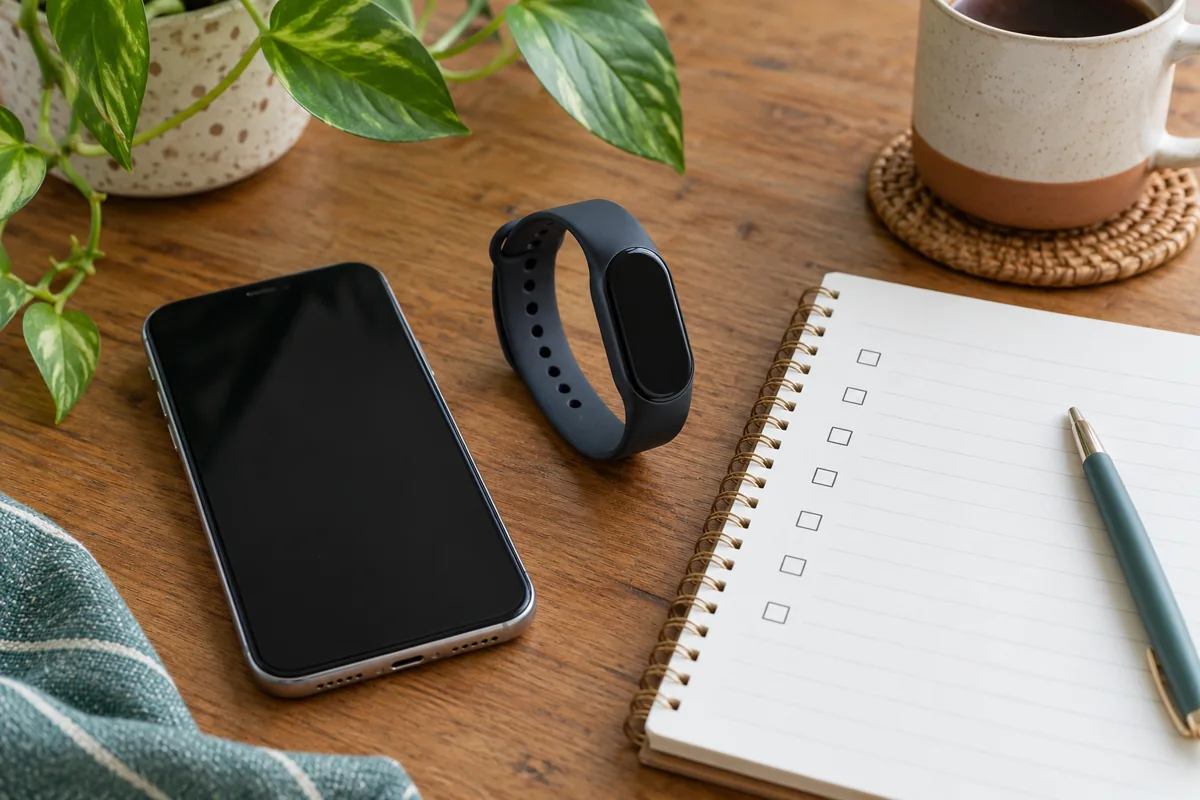
Check the exact device, your phone model, operating-system version, companion app, required account, and country. “Works with Android and iPhone” does not mean every phone or every feature. App requirements can change after a device’s original launch.
Apple Watch requires a compatible iPhone; it is not an Android tracker. Other brands may support both platforms, but replies, integrations, and services can differ. For example, Garmin’s current app-compatibility requirements include platform-specific requirements and limitations, so an old retailer description is not enough.
Install or inspect the required app before buying where practical. Check account access, available language, text size, privacy settings, and whether the features you care about are included or require a paid service. “Bluetooth compatible” alone does not answer those questions.
Choose a shape and screen you can comfortably use
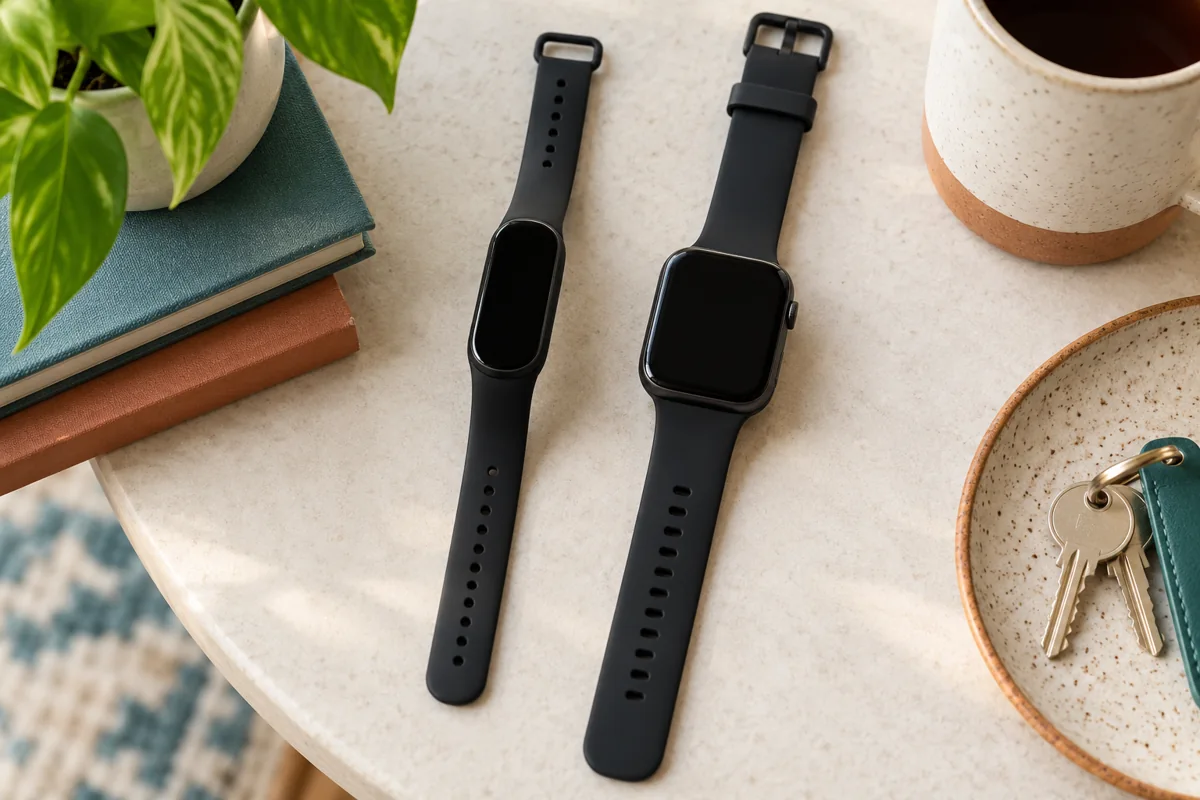
A slim band can be less obtrusive, but small text and narrow touch targets may be frustrating. A larger watch can show more information, but case size, weight, straps, and charging may make it less comfortable. Neither is automatically simpler.
If possible, try the fit and a basic task: wake the screen, read the time and an activity number, start a walk, and return to the home screen. Check wrist-size limits, strap material, brightness, accessible controls, and whether you can operate it with your usual glasses or mobility needs.
Manufacturer display-brightness specifications do not prove that a particular screen will be easy for you to read. A return policy matters because comfort and usability are personal—not something an article can score for everyone.
Connected GPS and built-in GPS solve different problems
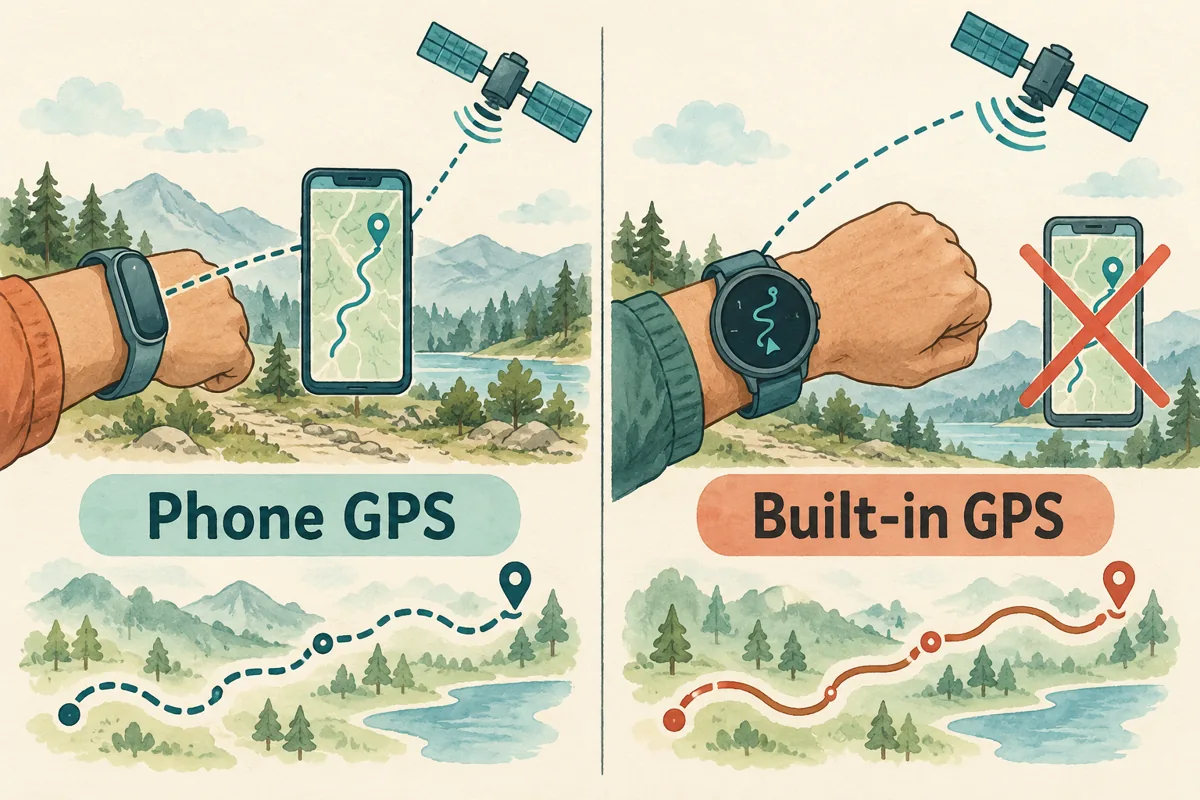
Connected or phone-assisted GPS uses your phone’s location for route information. You generally need the phone nearby, the relevant connection, and location permissions. The band may still record some activity without it, but that is not the same as having an independently recorded route.
Built-in GPS lets the watch record an outdoor route without carrying the phone, subject to the device’s features and satellite reception. It does not automatically mean offline maps, turn-by-turn navigation, cellular service, or an emergency connection.
For example, Xiaomi confirms that Smart Band 10 has no independent GPS module. If you already take your phone on walks, that may be acceptable. If leaving the phone behind is the main reason for buying, choose accordingly.
Five options to compare for different beginner needs
These are conditional options, not a universal best-to-worst ranking or an exhaustive list of the market. Manufacturer information was checked on 19 October 2026. Confirm local stock, current app support, exact variant, warranty, return terms, and final price—especially for established older models.
Table tip: on small screens, swipe tables sideways to view every column.
| Model | Useful reason to consider it | Phone and route considerations |
|---|---|---|
| Xiaomi Smart Band 10 | A slim color-screen band with a long quoted battery interval | Mi Fitness on compatible Android/iPhone; phone-assisted route tracking |
| Fitbit Inspire 3 | A small band for everyday activity and sleep logging | Compatible Android/iPhone; Google Health account/app requirements; connected GPS |
| Garmin vívosmart 5 | A band with a physical button and Garmin Connect logging | Compatible Android/iPhone; connected GPS; check current support and stock |
| Amazfit Bip 6 | A larger-screen GPS watch rather than a narrow band | Zepp on compatible Android/iPhone; built-in satellite positioning |
| Apple Watch SE 3 | A smartwatch option for an iPhone user wanting more than basic tracking | Compatible iPhone only; built-in GPS; cellular variants have additional requirements |
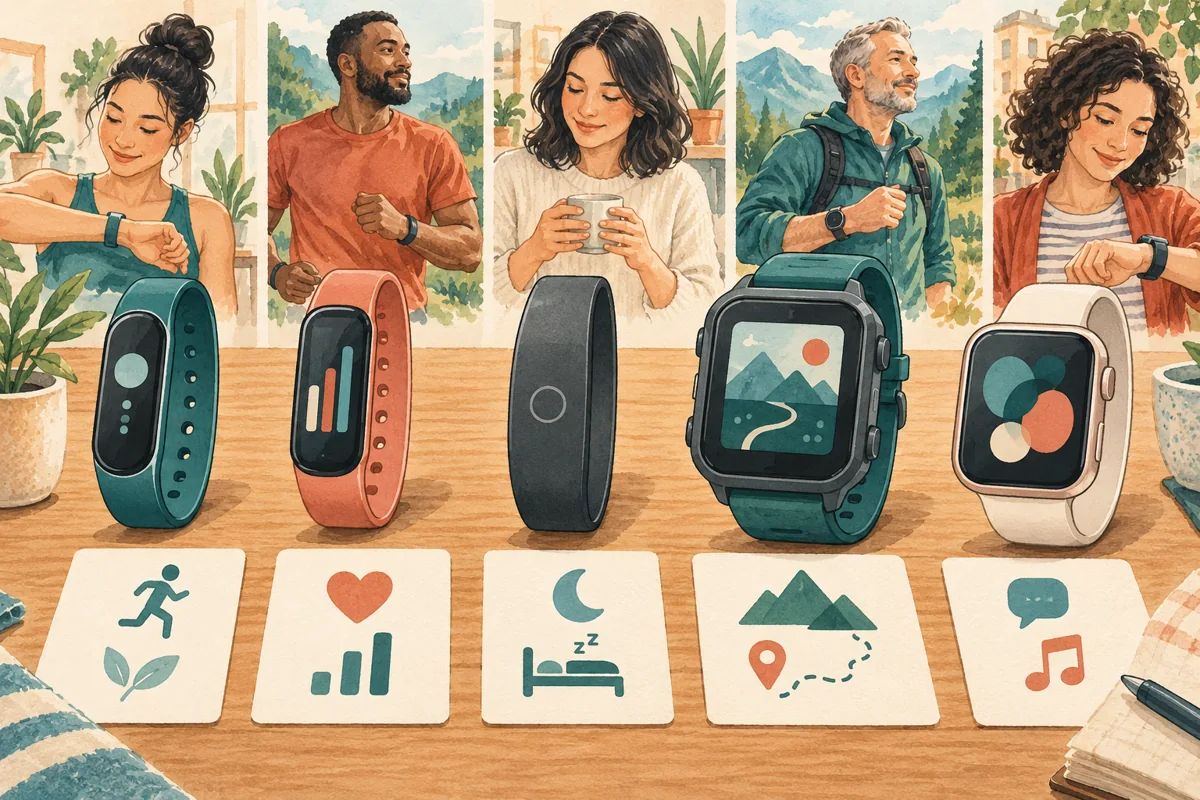
Xiaomi Smart Band 10: consider it for band-style tracking
The Smart Band 10 product page describes a 1.72-inch AMOLED display and up to 21 days in typical-use battery testing. It uses Mi Fitness; check the current compatibility specifications. The main trade-off for route-focused buyers is relying on phone positioning, rather than independent GPS.
Fitbit Inspire 3: consider the small screen and app together
Inspire 3 offers a small color display, activity and sleep features, connected GPS, and an advertised battery life of up to 10 days. The checked Google page now describes the Google Health app and optional Premium services. Confirm current setup and subscription requirements rather than relying on an old Fitbit-app screenshot or assuming every coaching feature is included.
Garmin vívosmart 5: an established band, not a new-model promise
vívosmart 5 combines a touchscreen with a physical button, connected GPS, and Garmin Connect data. Consider it if the controls and ecosystem suit you and suitable supported stock is available. It is an older model, so compare the local price and support situation carefully rather than paying a premium simply for the brand.
Core Connect logging and optional Connect+ services are different. Do not interpret “Garmin” as a guarantee that every available app feature is free or supported by every device.
Amazfit Bip 6: consider it when a band is too small
The Bip 6 specifications describe a 1.97-inch AMOLED display, built-in satellite positioning, and up to 14 days of typical-use battery life. The official manual explains Zepp setup and fit. The larger case may help readability, but try the size and menus rather than assuming a bigger screen guarantees simpler use.
Apple Watch SE 3: useful if you actually want a smartwatch
Apple Watch SE 3 has built-in GPS, an always-on display, and a wider smartwatch feature set. It requires a compatible iPhone and a much more frequent charging routine than the long-life bands compared here. Consider it for the broader ecosystem, not because every beginner needs apps, cellular service, or advanced metrics.
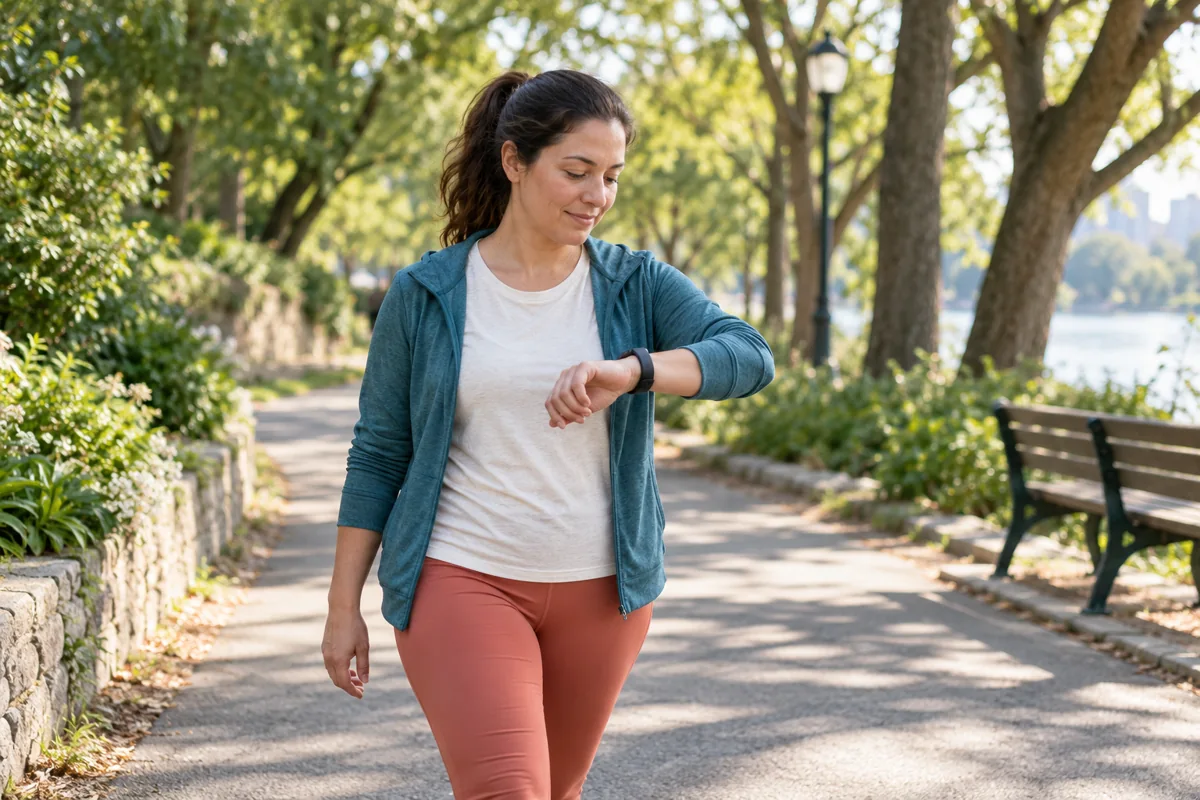
A practical shortlist: compare the slim bands if unobtrusive everyday wear matters most; compare the larger watches if readability, controls, or phone-free routes matter more. Eliminate incompatible models first, then try the remaining shapes. Manufacturer links are regional, so use your local official store or authorized seller for purchase terms.
Compare battery claims in the same mode
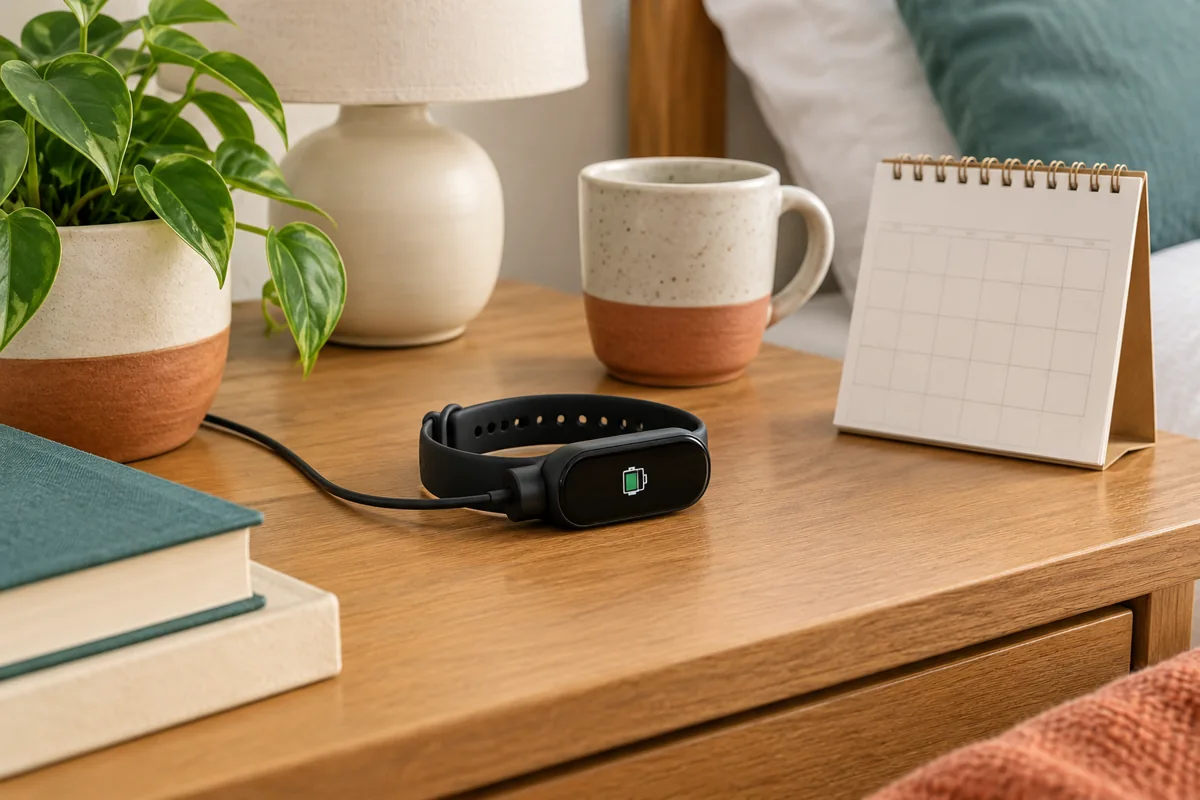
“Up to” is a manufacturer claim under particular settings, not our measured result. Typical-use, battery-saver, always-on-display, and GPS-workout figures are not interchangeable. Frequent GPS, bright screens, notifications, and additional monitoring can change the charging interval.
| Model | Manufacturer’s quoted example | Important condition |
|---|---|---|
| Xiaomi Smart Band 10 | Up to 21 days typical use | The same product page quotes 9 days with always-on display and 8 days in heavy-load mode |
| Fitbit Inspire 3 | Up to 10 days | Always-on display and extra features may require more frequent charging |
| Garmin vívosmart 5 | Up to 7 days | Quoted specification excludes Pulse Ox sleep tracking |
| Amazfit Bip 6 | Up to 14 days typical use | Manufacturer also quotes up to 6 days heavy use; GPS has a separate limit |
| Apple Watch SE 3 | Up to 18 hours normal use | Up to 32 hours is Low Power Mode, not the same normal-use comparison |
Battery sources are the model pages linked above. Check the full testing footnotes before treating one headline as better value. If you want overnight tracking, plan a convenient charging period rather than discovering at bedtime that the device is empty.
Also check the included charging accessory and whether a cable or power adapter is separate. Replacement straps and cables, optional memberships, and a cellular plan if chosen belong in the total cost—not just the watch price.
Set it up in a useful order
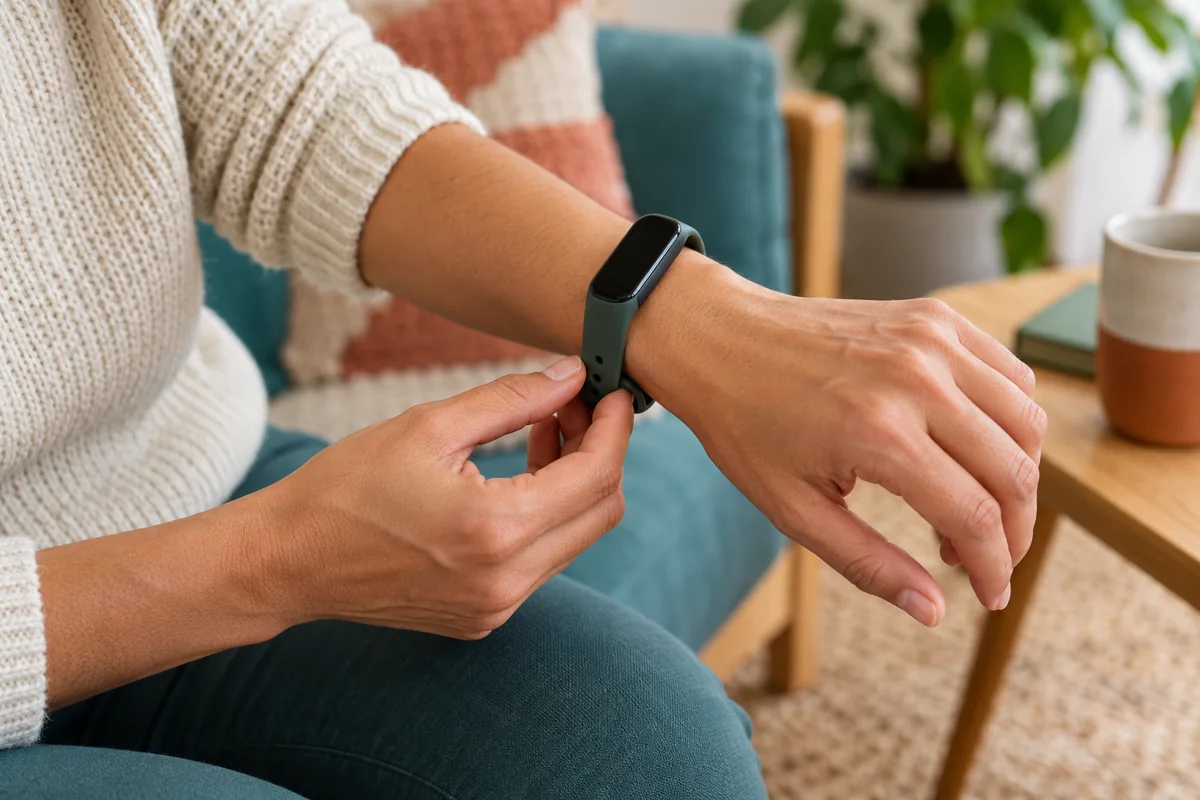
Follow the maker’s fit guidance. The sensor generally needs stable skin contact, but tightening through pain, numbness, or irritation is not a way to improve a reading. Keep the device and skin clean and dry as directed, take appropriate wear breaks, and stop using a strap or material that causes a reaction.
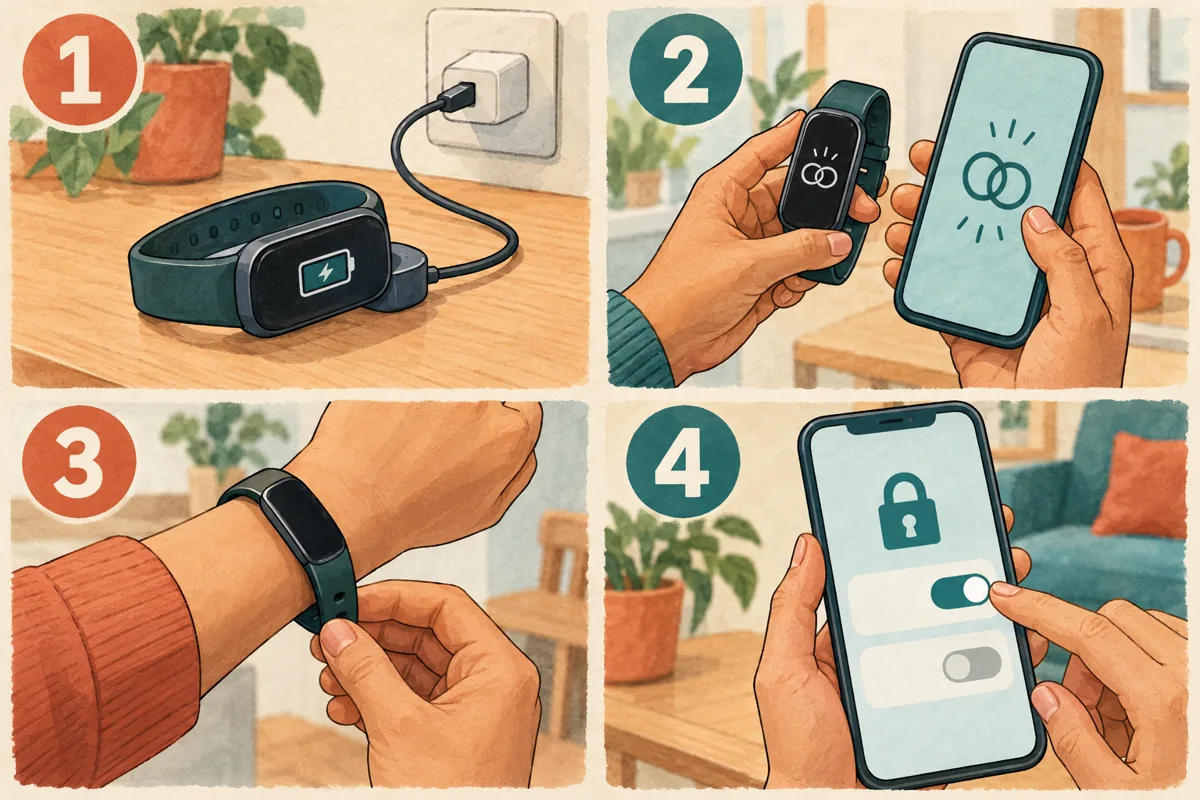
- Charge and update. Use the correct dry charging contacts and the manufacturer’s current instructions.
- Pair through the required app. Set accurate basic profile information and the correct wrist/dominant-hand setting when offered.
- Check comfort and readability. Try a normal day before turning on every monitoring option.
- Choose useful permissions. Enable location for route features if wanted; review sharing and notifications rather than accepting everything automatically.
- Practice one task. Start, pause, and end a simple walk or workout; find the saved record in the app.
Automatic exercise recognition can miss activity or log the wrong thing. If a timed session matters to you, learn how to start it manually instead of assuming auto-detection is a complete record.
A first-week plan that does not start with 10,000 steps

Use the first week to understand the device and your routine. The example below is a setup-and-learning sequence, not an exercise prescription or a requirement to train every day.
| Day | Action | Useful check |
|---|---|---|
| Day 1 | Charge, pair, update, and check account access | Can I find the time, basic activity, and settings? |
| Day 2 | Wear comfortably during an ordinary day | Does the strap or display need adjustment? |
| Day 3 | Practice starting and ending one manageable session | Is the record saved in the app? |
| Day 4 | Observe activity patterns without chasing a fixed target | What does a normal day look like for me? |
| Day 5 | Choose one small, appropriate habit or reminder | Is it useful, achievable, and not distracting? |
| Day 6 | Review charging, permissions, sharing, and paid trials | What can I simplify or turn off? |
| Day 7 | Review the week and choose what to keep using | Does this device make a useful action easier? |
Your baseline may change with work, illness, travel, or caregiving. Do not turn the default goal into a demand to exercise through pain or exhaustion. If you want a manageable activity starting point, our beginner cardio guide includes exercise choices and an adaptable plan.
A tracker is useful when it helps an action you value. If numbers become stressful or compulsive, simplify the dashboard, disable reminders, take a break, or seek support as appropriate.
Use the data as estimates—and review what you share

Steps: device position, arm movement, the activity, and algorithm settings can affect the count. Use a reasonably consistent method for your own pattern; do not assume two devices must match exactly.
Calories: treat them as estimates, not a measured food allowance or instructions to “eat back” an exact amount. A Stanford validation study illustrates the need to test energy estimates, but its 2017 devices do not establish an accuracy percentage for the current models in this guide.
Heart rate and recovery scores: fit, movement, medicines, illness, and other factors can affect interpretation. A lower resting number is not always proof of improved fitness, and a readiness score is not a diagnosis or a command to train.
Sleep: duration and schedule patterns can be useful, but sleep stages are estimates. The American Academy of Sleep Medicine explains why consumer sleep information does not replace a clinical evaluation. Seek advice for persistent sleep problems or significant daytime sleepiness regardless of an encouraging score.
Some devices have specific regulated health features in certain countries. That does not make every sensor or dashboard metric medically validated. Do not ignore concerning symptoms because the tracker shows a normal result; seek urgent help for severe symptoms.
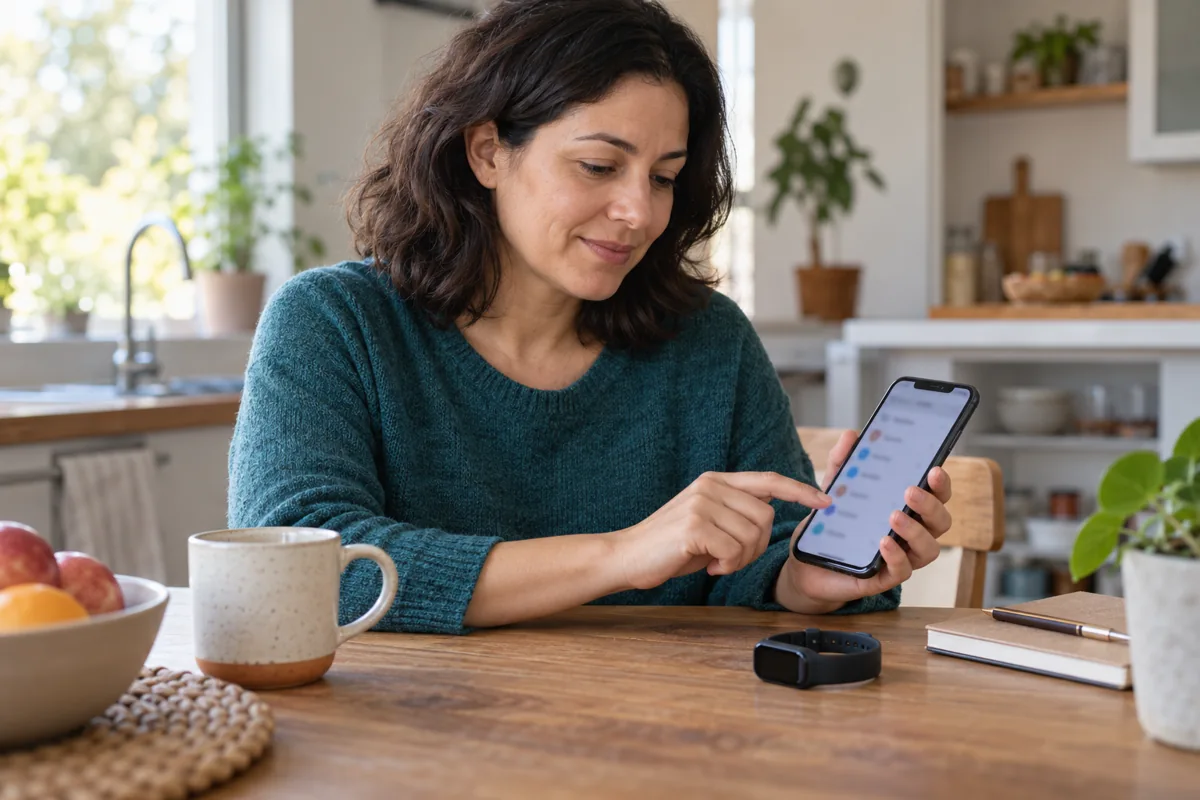
Review account security, public profile visibility, activity-route sharing, location permissions, notifications, and optional trials. A shared route can reveal home or work locations. Check the app’s available export and deletion controls before depending on it as your only record.
For trials or memberships, read the local price, what remains without payment, renewal date, and cancellation process. There is no universal subscription cost or permanent feature promise across the brands.
The final buying and troubleshooting checklist
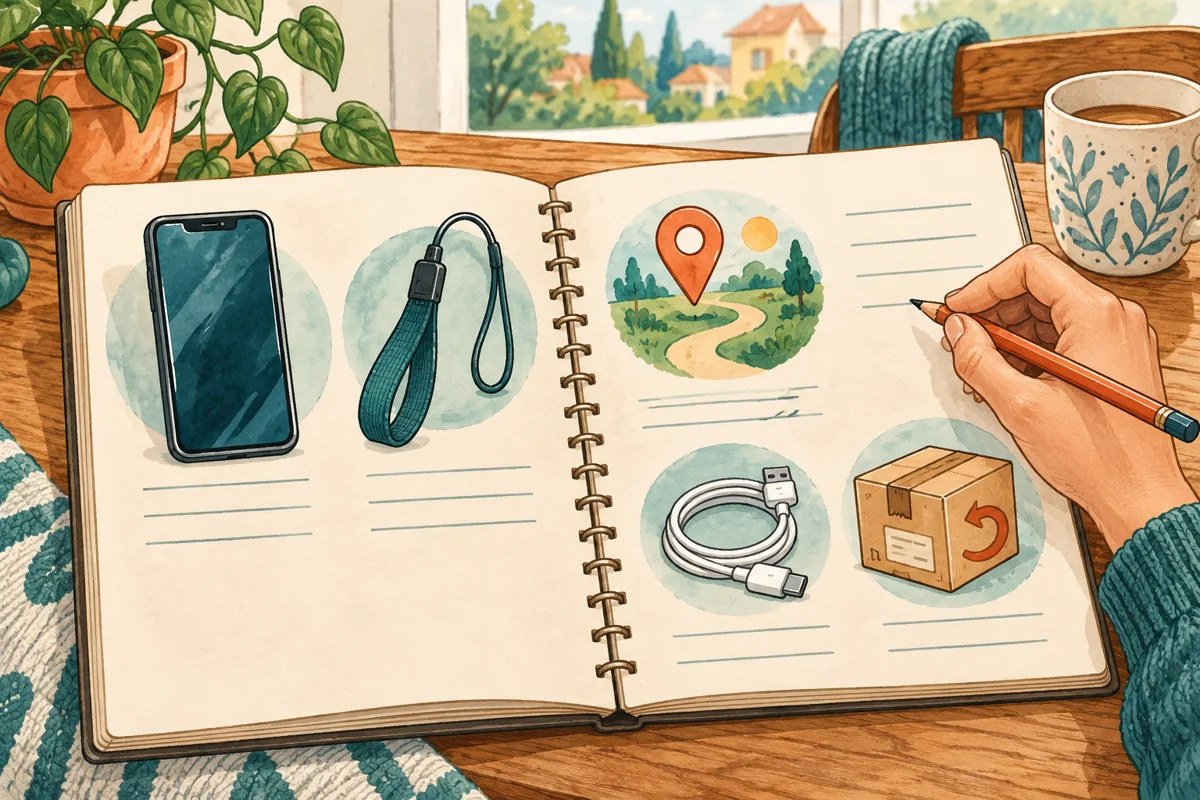
- Compatible with my exact phone, app/account, country, and required features?
- Comfortable and readable for me, with controls I can use?
- Correct route option: phone-assisted or built-in GPS?
- Charging routine and full cost acceptable, including accessories and optional services?
- Current support, seller authenticity, warranty, and a practical return policy checked?
| Problem | Useful next check |
|---|---|
| The band does not sync | Check the correct account/app, Bluetooth connection, permissions, and the model’s troubleshooting guide before resetting |
| An outdoor route is missing | Check whether the device needs your phone, location permissions, satellite acquisition, and a manually started session |
| The battery runs down sooner than the headline | Compare your actual display, GPS, notifications, and monitoring settings with the maker’s test mode |
| The device is uncomfortable or distracting | Review fit, material, notifications, wear breaks, and return options; more metrics are not worth persistent irritation |
Download the two-page first-tracker buying and setup checklist, including the first-week learning plan.
Can I swim with a tracker rated 5 ATM?
Check the specific device and strap instructions. A pressure-equivalent rating is not permission to dive to the advertised depth, use hot water, or expose the device to every water sport. The Xiaomi water-use notes, for example, distinguish shallow-water use from hot showers, saunas, diving, and fast-moving water. Water resistance can deteriorate over time.
Is an older model a bad purchase?
Not automatically. It can be useful if support, phone compatibility, battery condition, price, and return terms are acceptable. Do not assume a discounted model has current support—or that the newest model is necessary for simple logging.
Will a tracker make me exercise?
It may provide a helpful reminder or record, but it cannot guarantee motivation or results. Pair one manageable action with a useful review rather than treating a score or streak as the goal.
Bottom line: buy for the task you will actually use. Compatibility, comfort, clear controls, and a sustainable routine are more important than collecting the longest feature list.
Manufacturer-documentation comparison; no hands-on testing or independent accuracy or battery measurements are claimed. The additional images are AI-generated visual aids with conceptual, unbranded devices and screens—not authentic product photographs or app screenshots. Specifications checked 19 October 2026; local requirements, pricing, and services can change.