
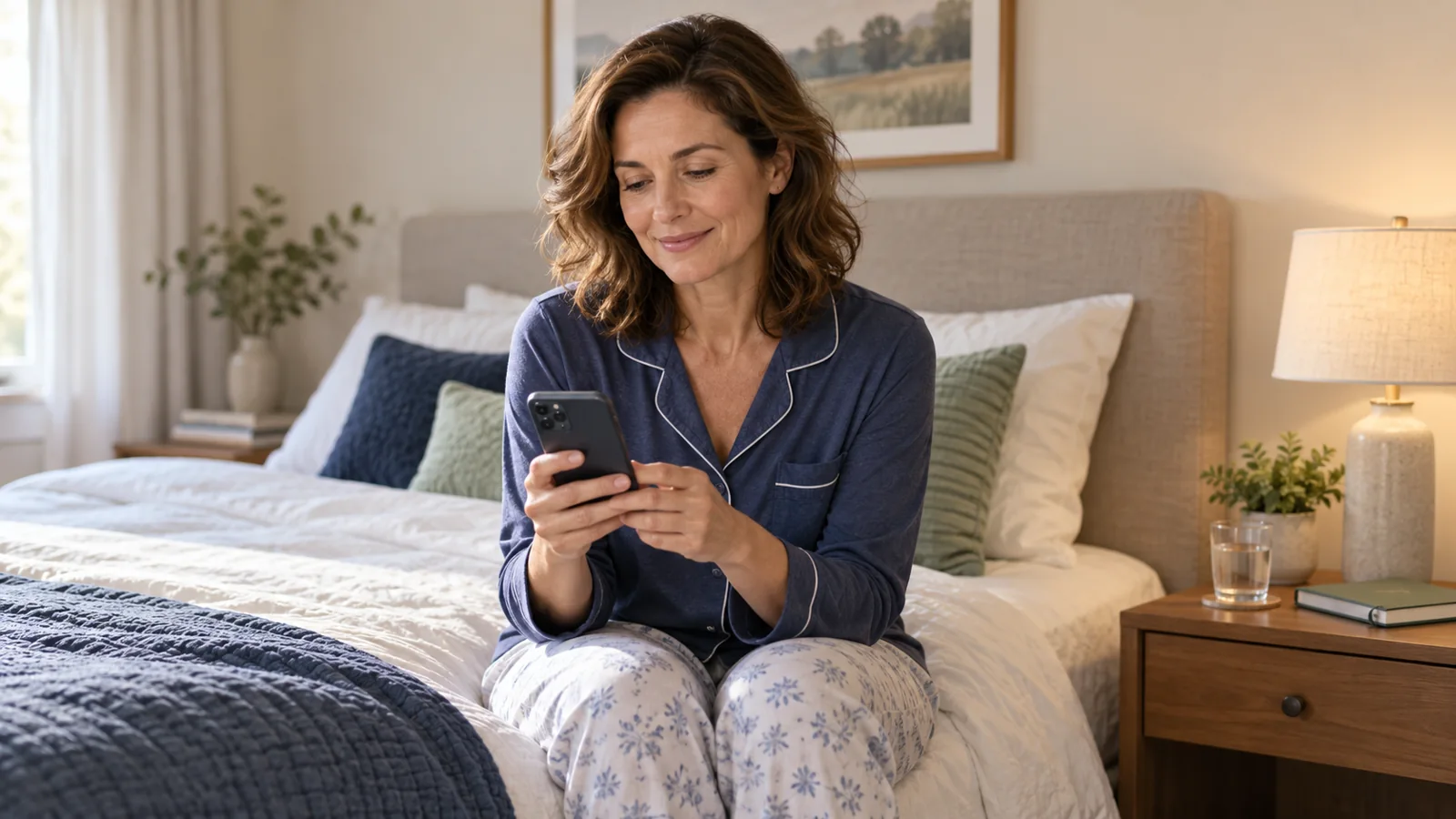
A sleep tracking app can help you notice a late bedtime, an irregular schedule, or a gap between time in bed and estimated time asleep. It cannot reliably tell you, on its own, why you feel tired—or rule out a sleep disorder because a score looks reassuring.
The most useful choice is often the one that works with equipment you already own and answers a simple question. Do you want a bedside alarm, an overnight record from your watch, or a diary to discuss with a healthcare professional? Start there, rather than shopping for the most elaborate dashboard.
This guide compares official product documentation checked on October 18, 2026; it is not a hands-on accuracy ranking. Features and offers vary by device, software, and country. Images are AI-generated editorial scenes and illustrations, not actual app screenshots or clinical records.
Key takeaways
- Consumer sleep graphs are estimates. A phone microphone or wrist sensor is not the same as a clinical sleep study.
- Try the sleep tools included with your existing watch before buying another device or subscription.
- Read sleep timing and longer-term patterns alongside how you feel; do not chase a nightly deep-sleep percentage.
- Check microphone permissions, data storage, and renewal terms before starting a trial.
- Breathing pauses, gasping, significant daytime sleepiness, or ongoing difficulty sleeping deserve professional attention, regardless of your app score.
What sleep tracking apps actually measure
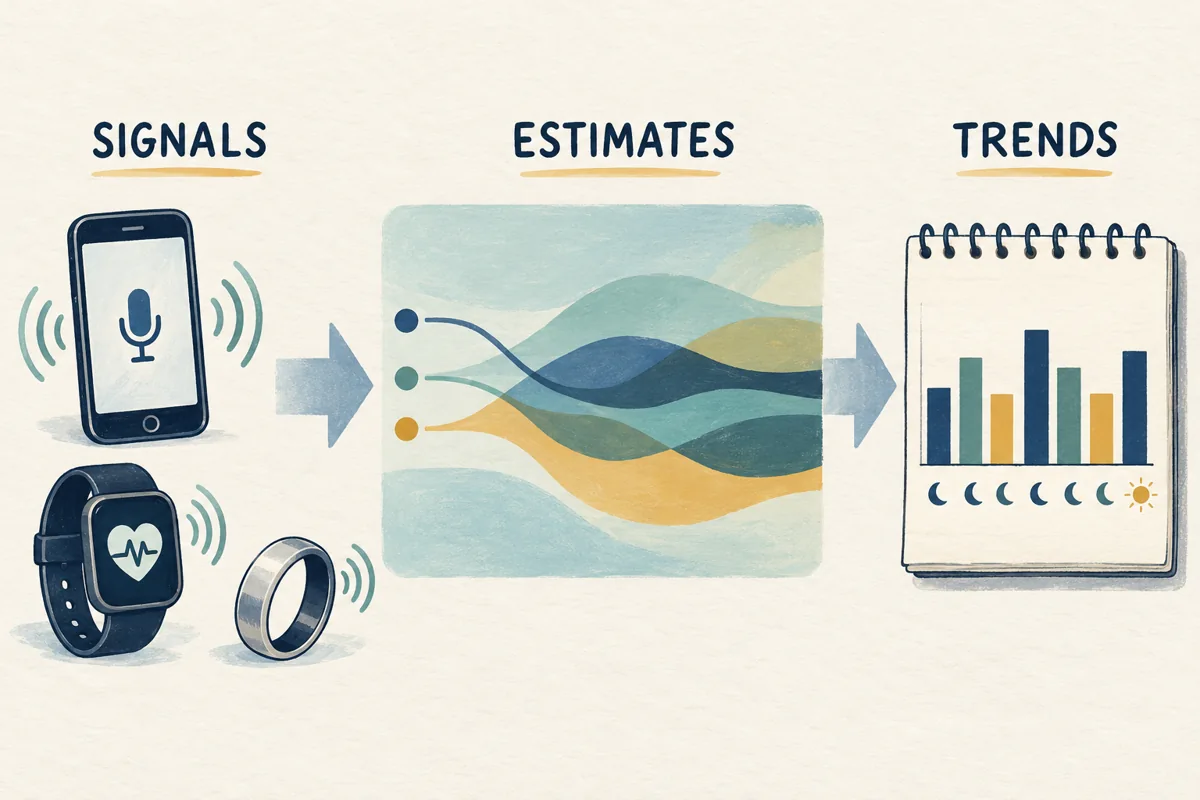
There are three different things in a sleep report: signals collected by a sensor, estimates produced by software, and summaries calculated from those estimates. Keeping them separate makes the charts easier to interpret.
A phone may capture movement or bedroom sound. A compatible watch or ring may collect movement and optical heart-rate signals. Software then uses those inputs to estimate whether you were asleep and, in some products, which sleep stage you were in. Google, for example, describes its wrist-based stages as estimates derived from movement and heart-rate patterns—not direct measurements of brain activity. Google explains its sleep-stage method here.
A clinical assessment is different. Depending on the question being investigated, a clinician may recommend an appropriate sleep test; laboratory polysomnography can record brain activity and other physiological signals. The American Academy of Sleep Medicine distinguishes consumer tracking from clinical evaluation and notes that consumer data may still be useful in a discussion with a professional. Read the AASM position statement.
That is why a blanket claim such as “sleep apps are 90% accurate” is not useful. Accuracy depends on the particular device, algorithm, outcome being measured, and people studied. Detecting a broad sleep period is also a different task from correctly identifying every stage or awakening. The AASM’s evaluation framework explains why validation must be specific to a product and its claimed use.
Compare six options by the job you need done
This is a shortlist by use case, not a claim that one app measures everyone’s sleep best. The table links to the relevant details below. Check your exact phone, watch, operating system, and local offer before paying.
| Option | Useful starting point for | What to check first |
|---|---|---|
| Sleep Cycle | Phone-based tracking and a smart alarm | Microphone setup and Premium features |
| Apple Sleep | People who already own an Apple Watch | Compatible hardware, settings, and overnight charge |
| AutoSleep | Apple Watch users wanting additional report views | Which data source each view uses |
| Sleep as Android | Android users wanting configurable tracking and alarms | Sensor mode, phone placement, and purchase options |
| Oura | People who prefer wearing a ring overnight | Ring cost, fit, generation, and membership |
| Fitbit / Pixel Watch with Google Health | Owners of compatible Fitbit or Pixel Watch devices | Model support, regional features, and paid extras |
1. Sleep Cycle: a phone-first option
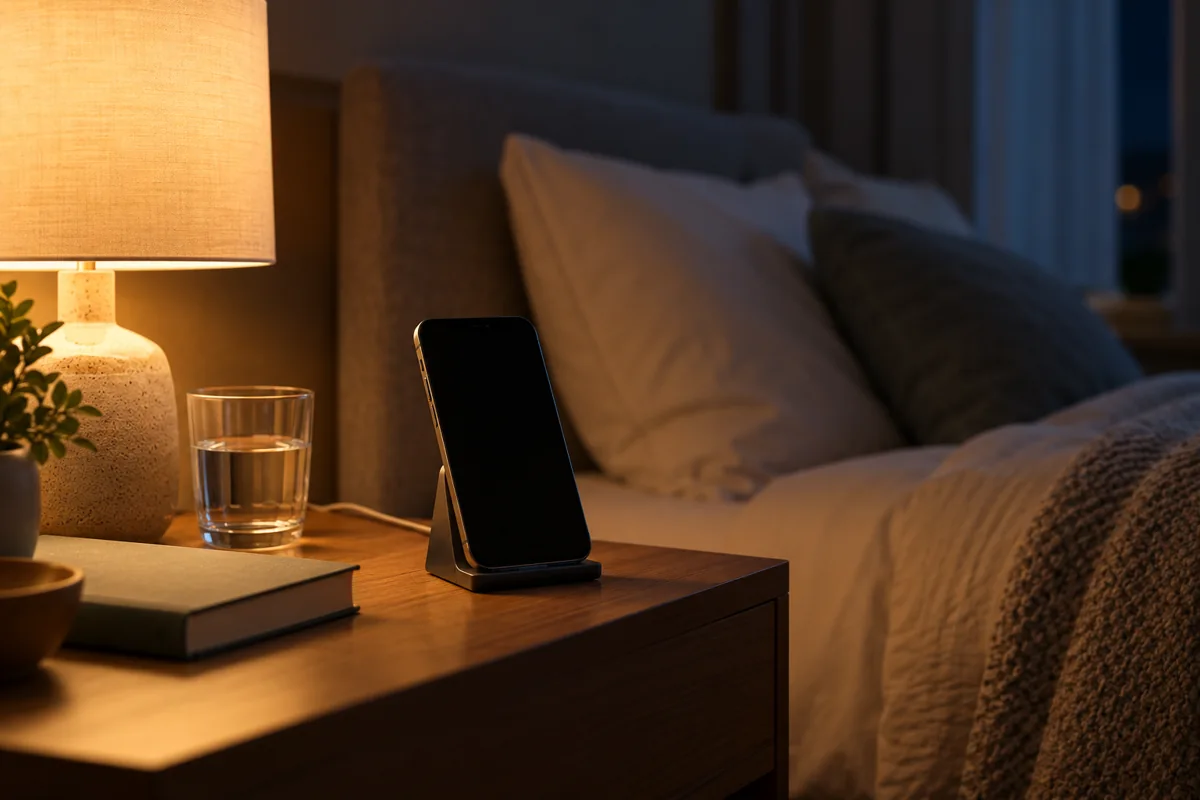
Sleep Cycle is worth looking at if you want to try tracking without buying a wearable. Its phone-based experience includes sleep analysis and a smart alarm; sound-related features can also help you review what the microphone picked up overnight. Its official app overview describes the current free and Premium experience.
The practical trade-off is that a bedroom microphone hears a room, not just one person. A partner, pet, fan, or other noise can complicate interpretation. A recorded snoring clip does not identify a medical cause or establish who made every sound.
Before subscribing, test the supported placement, alarm behavior, and permissions on your own phone. Decide whether you actually want audio recording and whether the extra history or insights in the current paid offer solve a problem for you.
2. Apple Sleep: try your watch’s included tools first
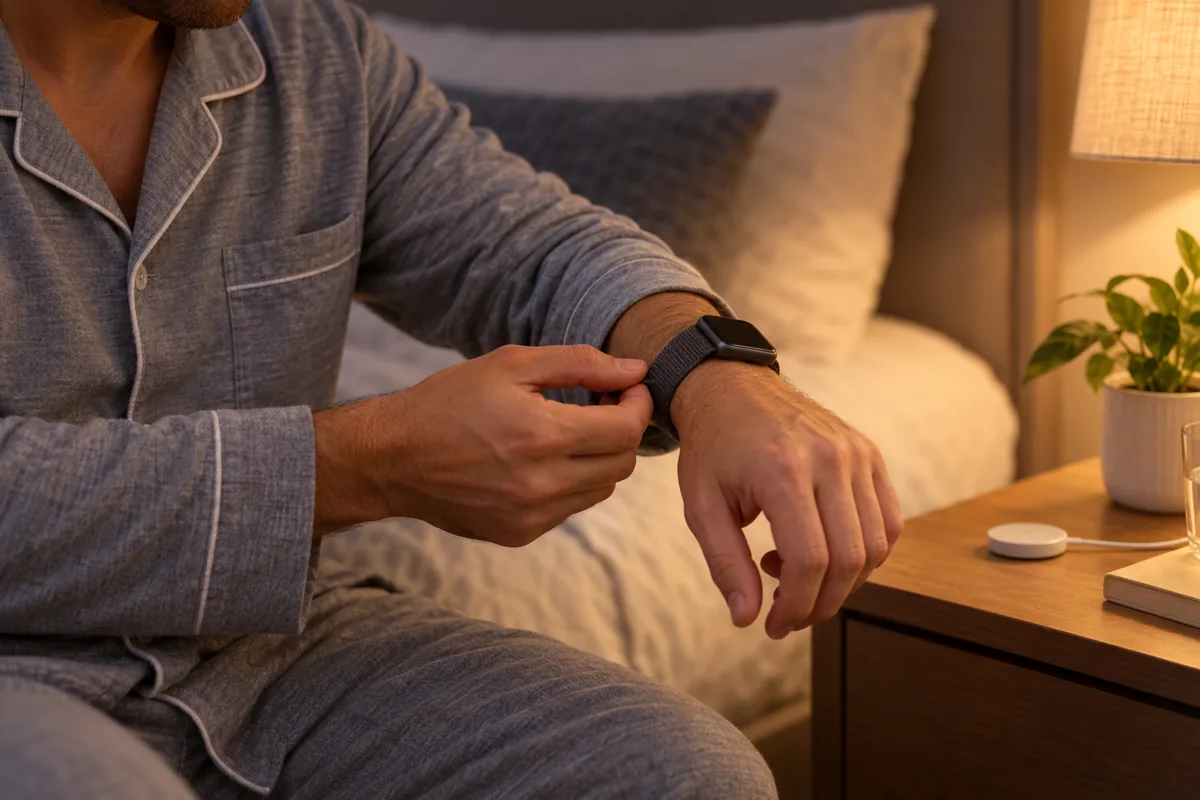
If you already use a compatible Apple Watch and iPhone, start with Apple’s built-in Sleep features. You can set a schedule and review overnight history in Health; supported software and hardware provide estimated sleep stages and other sleep information. Apple’s setup guide explains compatibility, settings, and charging requirements.
This is a sensible baseline before adding a paid app. Check that overnight tracking is enabled, the watch is comfortable, and you have a charging routine that leaves enough power for the night. Missing information may reflect setup, battery, or recording requirements rather than a change in your health.
Use the report to review your routine. More categories on a screen do not automatically make a night more accurately measured.
3. AutoSleep: more ways to review Apple Watch data
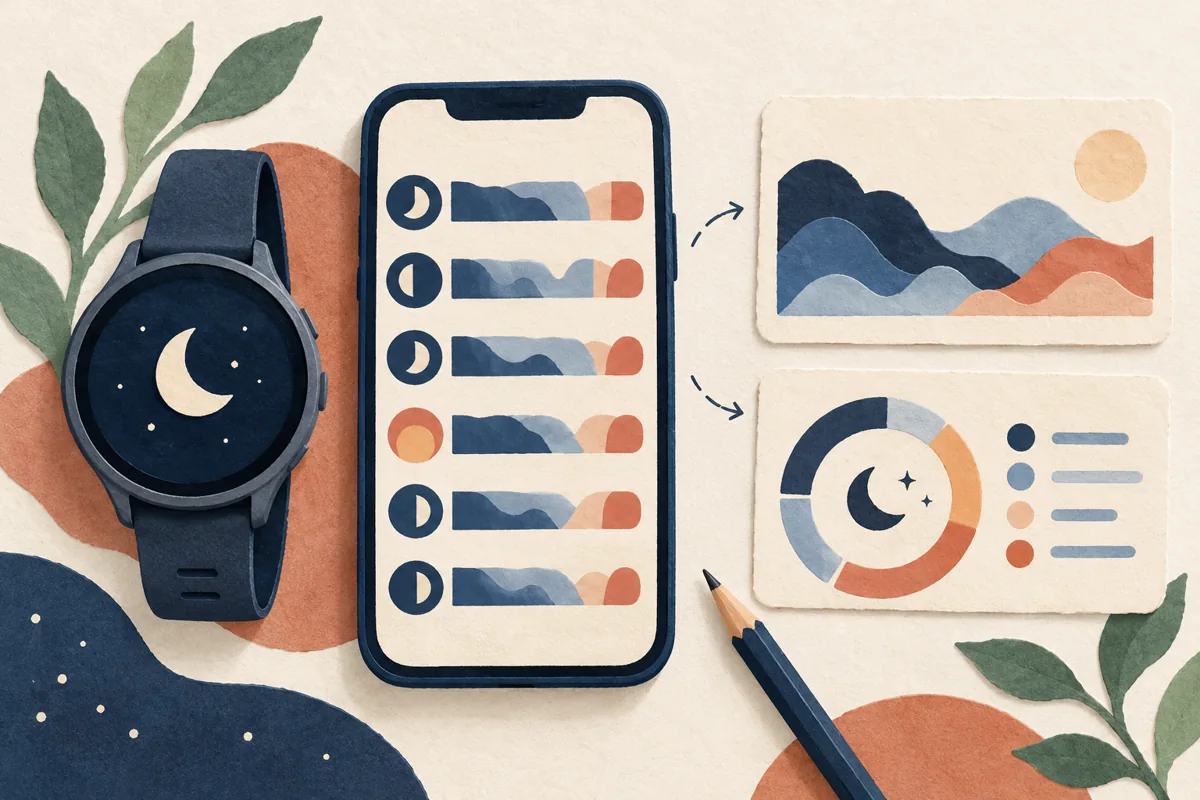
AutoSleep is an alternative for Apple Watch users who want a different presentation of sleep history and related information. The developer describes a one-time purchase rather than an ongoing subscription. Check the current price and requirements in the App Store listing; the amount shown depends on your storefront.
Pay attention to the data source. AutoSleep can display Apple’s sleep-stage information alongside its own reporting tools. Two views based on the same underlying watch record are not two independent tests confirming a result. The developer’s site explains its approach and links to its user guide.
Choose it for a report layout or workflow you prefer—not because paying for another app turns a consumer watch into a diagnostic instrument.
4. Sleep as Android: configurable sensors and alarms
Sleep as Android offers several tracking setups, including phone motion sensing, contactless sonar on supported phones, and compatible wearables. This flexibility is useful if you are happy to configure the app, but it also makes correct setup important.
There is no single placement rule for every mode. The developer’s tracking instructions distinguish mattress-based accelerometer sensing from bedside sonar and wrist-based tracking. Choose a method whose placement and power requirements you can follow safely; do not put a charging phone under a pillow or cover it with bedding.
The purchase guide lists trial/free limitations, one-time unlock options, and subscriptions. Check whether cloud backup is included in the offer you select. A feature-rich app is only helpful if it records consistently without making bedtime complicated.
5. Oura: consider comfort and the full cost of a ring
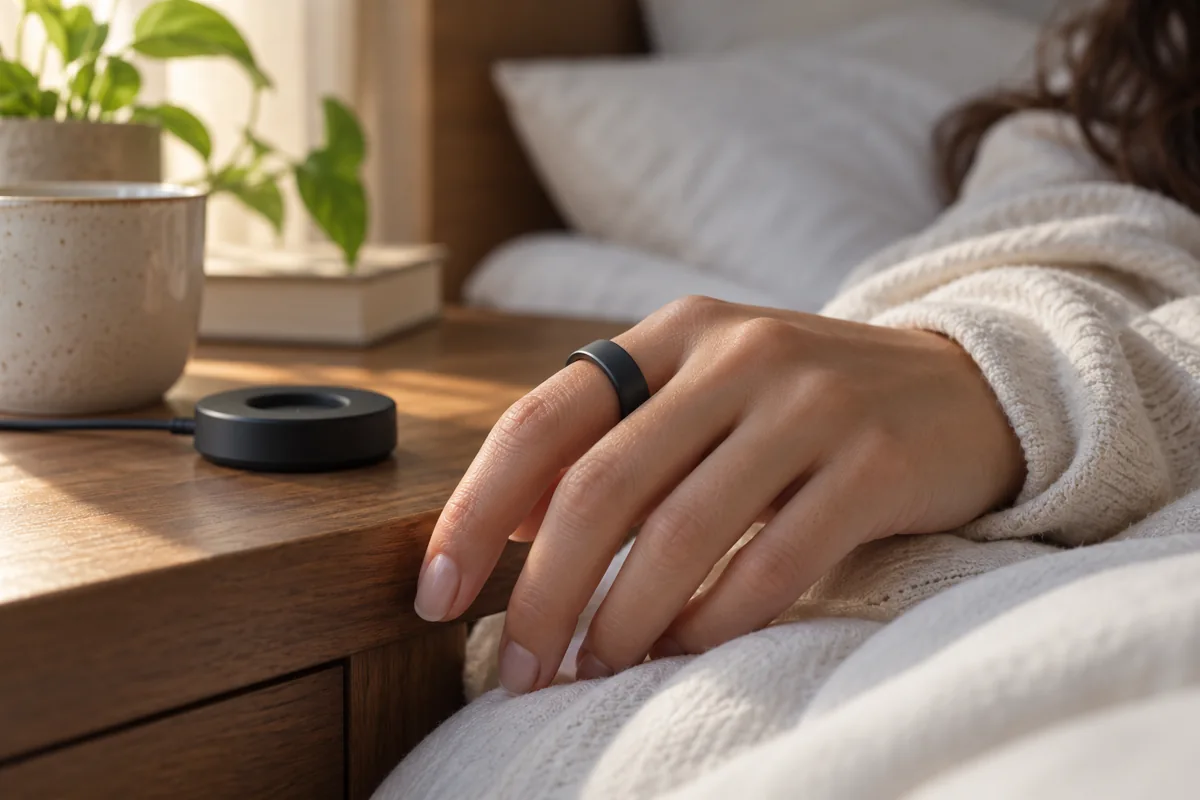
A ring may suit someone who dislikes wearing a watch in bed. Oura offers a ring-based sleep and recovery experience, but the decision includes hardware, sizing, charging, and access to the reports you want—not just downloading an app.
Check the ring generation and membership terms carefully. Oura’s membership documentation explains that current membership-supported rings provide substantially less information without an active membership; older-generation arrangements differ.
Compare the total ongoing cost with keeping your existing tracker. A different form factor can be more comfortable, but that alone does not establish that its sleep-stage estimates are the most accurate for you.
6. Fitbit and Pixel Watch: check the Google Health experience
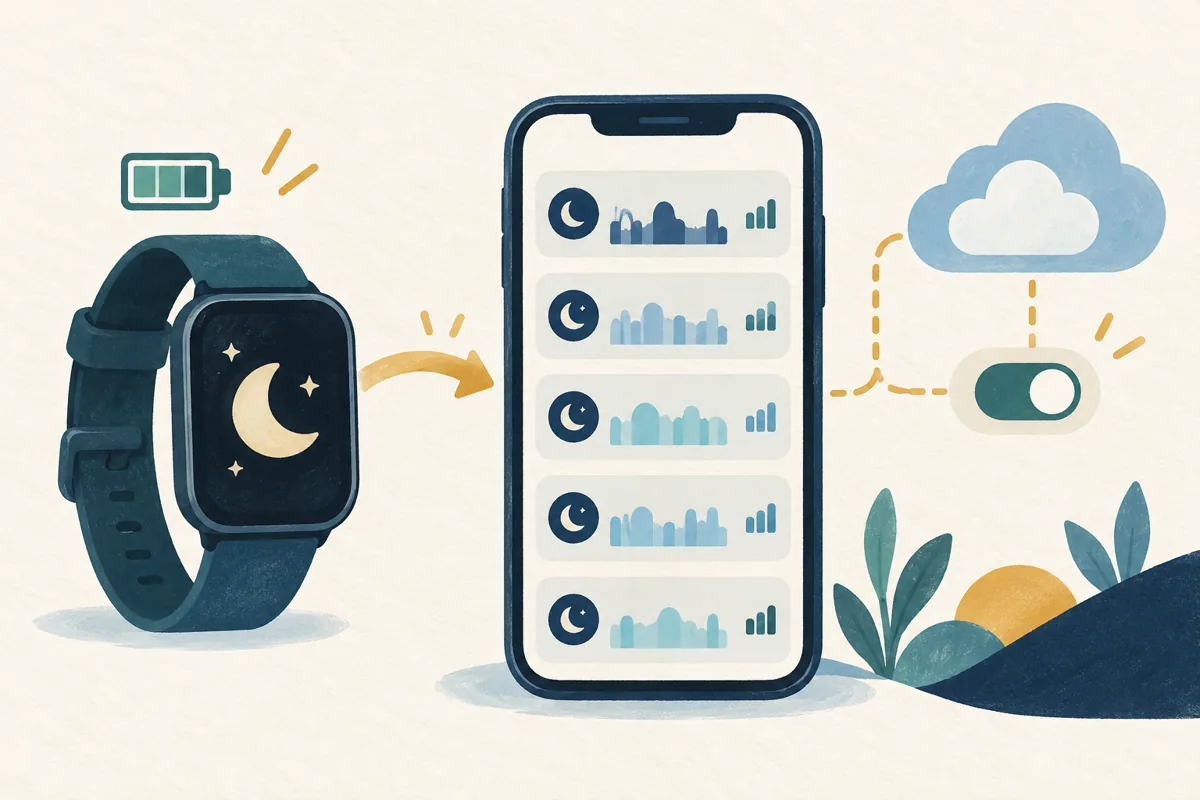
If you already own a supported Fitbit or Pixel Watch, review its existing sleep tools before buying a second tracker. Google’s current documentation describes automatic overnight tracking, synced sleep history, schedules, and summary information through Google Health.
The exact experience depends on the model and region. Some features require Premium, and older devices do not all provide the same signals or stage reporting. Start with Google’s sleep-tracking guide and confirm what your particular device supports.
This option makes most sense when it fits equipment you already wear comfortably. Check the app’s permissions and the source of imported records so that duplicate entries do not make your history harder to understand.
How to read a sleep report without chasing a score
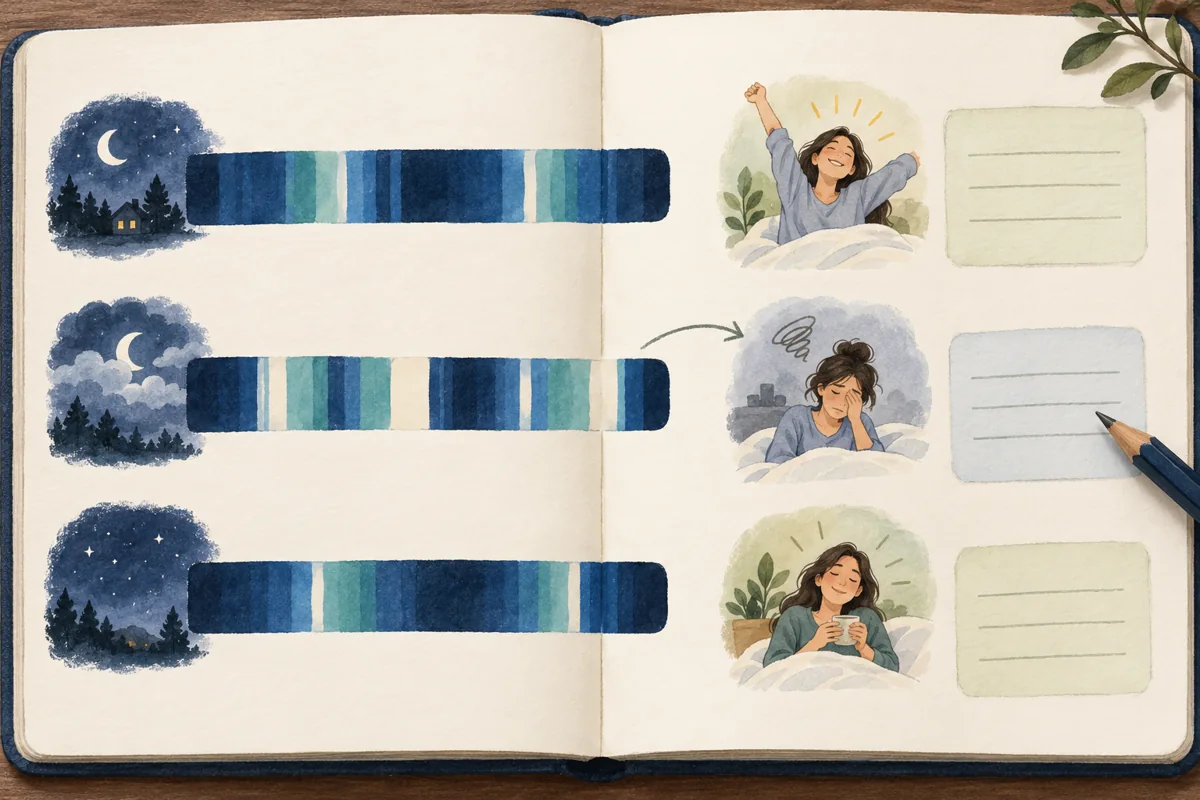
Begin with the timeline. Does the recorded bedtime roughly match your recollection? Did tracking stop early? Does the app distinguish time in bed from estimated time asleep? A beautiful chart is not useful if the underlying record includes an evening spent reading on the sofa.
Then compare several ordinary nights, using the same device and settings. Look for patterns in when you go to bed, when you get up, and how you feel during the day. Keep unusual nights in context: travel, illness, a different work shift, or a tracker running out of charge can make a comparison misleading.
- Duration: treat estimated sleep time as an estimate, and distinguish it from the time you allowed for sleep.
- Stages: do not treat a particular REM or deep-sleep percentage as a nightly target. Stage estimates and natural sleep patterns vary.
- Scores: use them as summaries within that product. An 80 in one app is not necessarily equivalent to an 80 in another.
- Daytime experience: record feeling rested, sleepy, or unable to concentrate. A reassuring graph does not cancel out troublesome symptoms.
NHLBI advises that adults generally need seven to nine hours of sleep, but individual needs and circumstances vary. That guidance is about making room for sleep, not forcing an app’s stage chart into a preferred shape. See NHLBI’s sleep-duration guidance.
Be cautious about cause and effect. If you slept better after an earlier dinner, that is an observation—not proof that dinner timing caused a precise increase in deep sleep. Notes can suggest a question to explore, but consumer graphs do not establish a personalized medical explanation.
Set up a simple routine—and keep a short diary
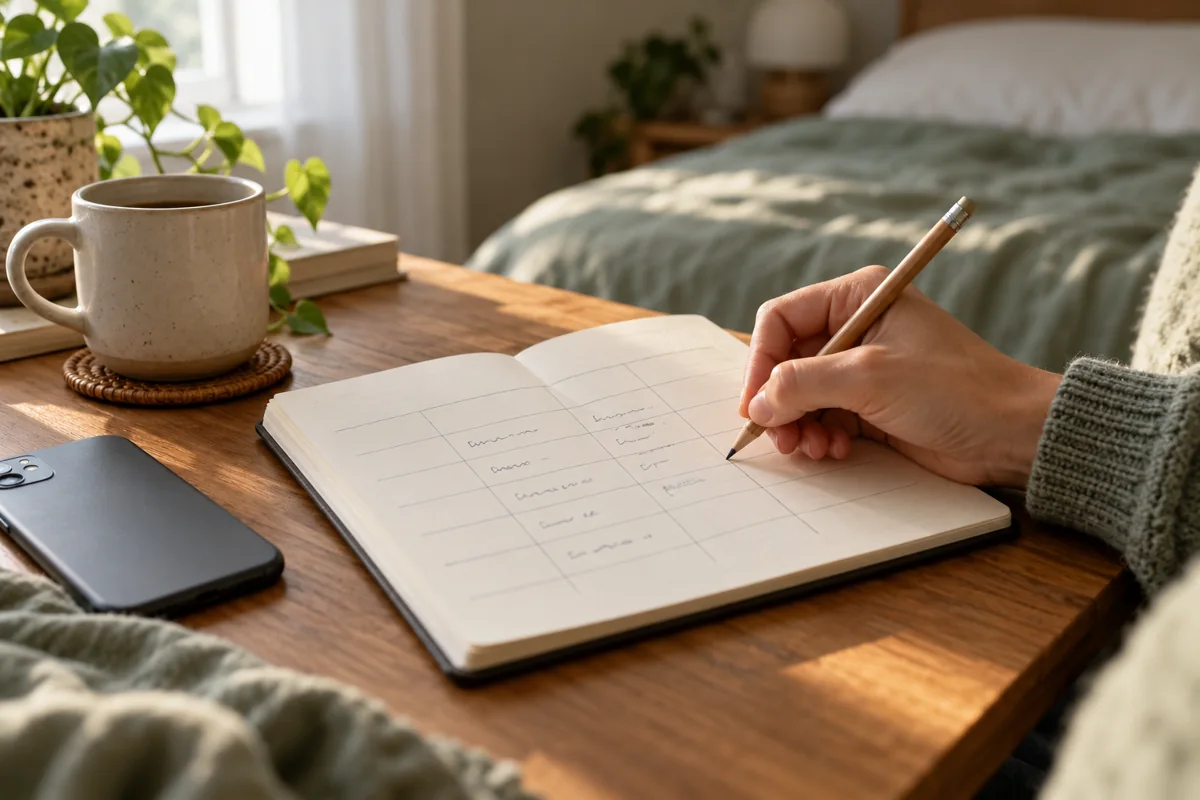
You do not need a complicated experiment. Choose one question, such as “Am I giving myself a consistent opportunity to sleep?” Then use one main tracking method and a few morning notes.
- Check the setup. Follow the instructions for your exact device and sensor mode. Confirm permissions, overnight charge, fit, and the alarm’s behavior before relying on it for an important morning.
- Record the basics. Note when you went to bed, roughly when you think you fell asleep, remembered awakenings, final waking time, and when you got up.
- Add useful context. Briefly note naps, caffeine or alcohol, a changed shift, travel, or anything else you want to discuss—not an exhaustive account of your day.
- Write how you feel before checking the score. This preserves your own impression instead of letting a number define the morning.
- Review for a useful next step. Look for a schedule issue or a practical question for a professional. You do not need to collect a fixed number of nights before seeking help.
A notebook can do this job without a wearable. NHLBI specifically recommends keeping a sleep diary to share with a healthcare provider when discussing insomnia symptoms. Its insomnia guidance explains what to record.
Use tracking to support ordinary sleep habits, not replace them. A regular schedule, enough time for sleep, a quiet and comfortably cool dark bedroom, and attention to caffeine and alcohol are more practical starting points than chasing tiny changes in a stage graph. NHLBI outlines these healthy sleep habits. If checking the app makes bedtime more stressful, simplify the routine or take a break from the scores.
Check privacy and recurring costs before committing
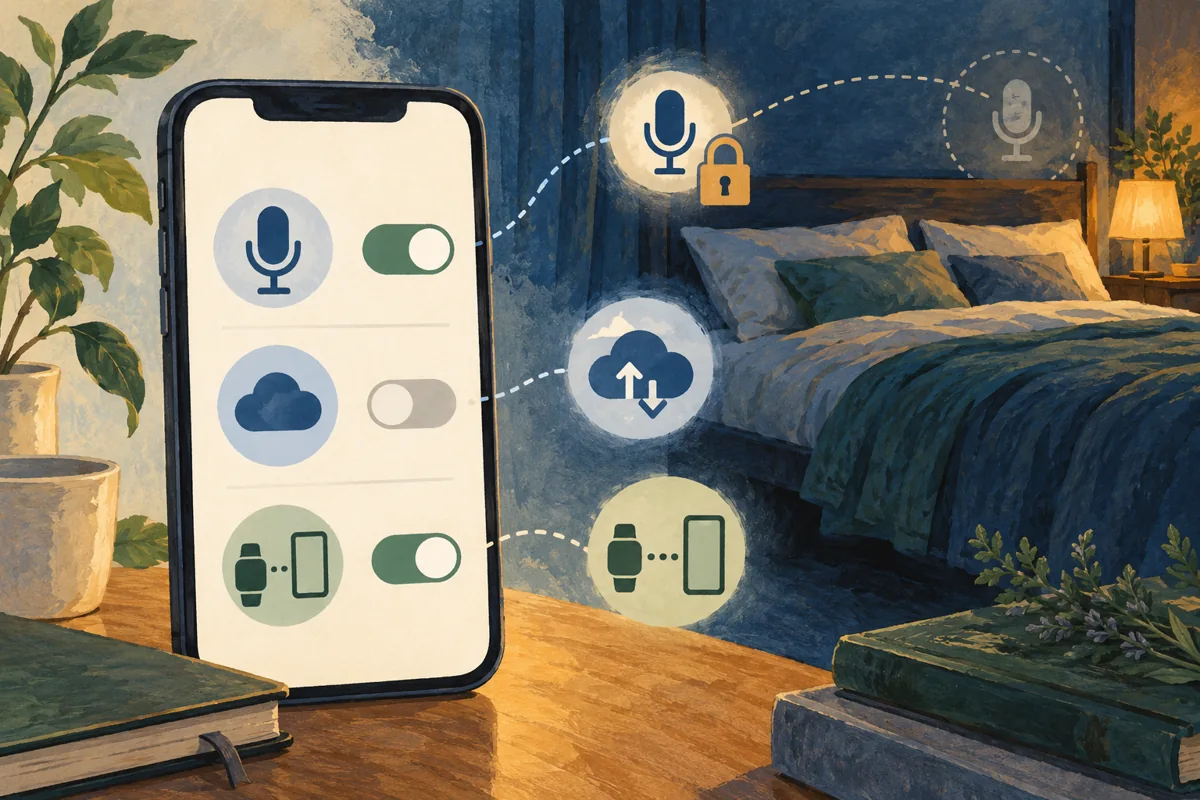
Sleep information can reveal routines, bedroom sounds, and details about other people in your home. A microphone permission deserves a deliberate choice, especially in a shared room. Discuss audio recording with anyone whose sounds may be captured.
Read the current privacy policy and settings for the product you choose. In particular, check whether recordings stay on the device or are uploaded, how long they are kept, whether cloud backup is optional, and how to export or delete your history. Do not assume that every app handles information the same way because it displays similar charts.
For wearables, review connected services as well as the tracker app. An export or integration may send information somewhere with a separate privacy policy. Allow the connections you actually need rather than enabling every available permission.
For cost, compare the whole arrangement: hardware, membership, app purchase, and optional services. Before starting a trial, confirm the billing period, renewal amount in your currency, cancellation method, and which features remain if you stop paying. An included report that answers your question may be better value than another subscription with overlapping charts.
When an app is not enough

Do not use a high score to dismiss breathing problems or persistent difficulties sleeping. NHLBI lists breathing that starts and stops, frequent loud snoring, gasping, and daytime sleepiness among possible symptoms of sleep apnea. A healthcare professional can decide whether a sleep study or another assessment is appropriate. Read NHLBI’s sleep-apnea symptom guidance.
Also seek advice about ongoing trouble falling asleep, staying asleep, or waking too early, especially when it affects how you function during the day. You do not need to wait two months or produce a perfect tracking history before bringing up a concern.
Bring your symptoms, medication information, and diary; an app summary can be an additional aid. Some devices offer separate condition-specific health features, but their intended use and limitations must be checked individually. That does not make every consumer sleep score, snoring recording, or stage graph a diagnostic result.
Sleep tracking app questions
Is a phone app or a wearable better?
It depends on the task and the particular product. A phone may be enough for a bedside alarm or a simple record; a wearable can collect wrist or finger signals without depending on a phone hearing the room. Neither category is a universal accuracy winner. Comfort, compatibility, and whether you will use it consistently matter too.
Do smart alarms guarantee an easier wake-up?
No. They attempt to select a time within a chosen window using estimated sleep information. Treat that as an optional convenience, not a guarantee that you will feel refreshed. Check the latest possible alarm time and the app’s reliability on your phone before relying on it.
When is a paid sleep app worth it?
When a specific paid feature makes the information easier to use—for example, a report view you prefer or a history export you need. Try the included tools first, then compare the current offer with the actual gap you want to fill. More metrics are not, by themselves, better care.
What if the app says I slept well but I feel exhausted?
Do not override your symptoms with a number. Check for an obvious recording error and note what you are experiencing. If tiredness or sleepiness persists, affects daily life, or occurs with concerning breathing symptoms, discuss it with a healthcare professional rather than trying to improve the score alone.
The goal is not a perfect dashboard. It is a clearer view of your routine, a manageable next step, and a useful conversation when sleep remains a problem.
[…] prioritizing sleep optimization, Fitbit’s sleep tracking capabilities complement dedicated sleep tracking solutions perfectly, offering wrist-based convenience with app-level […]